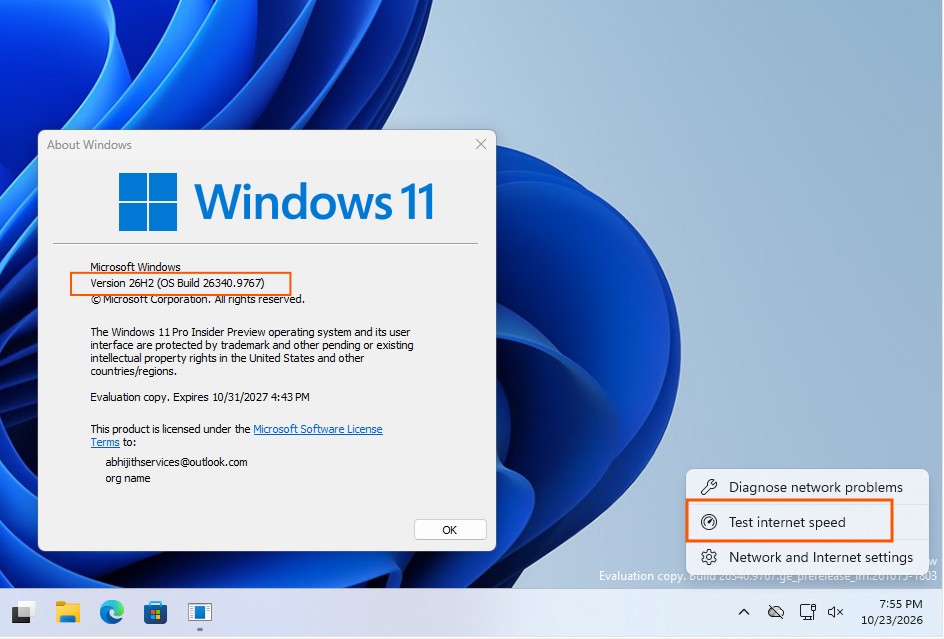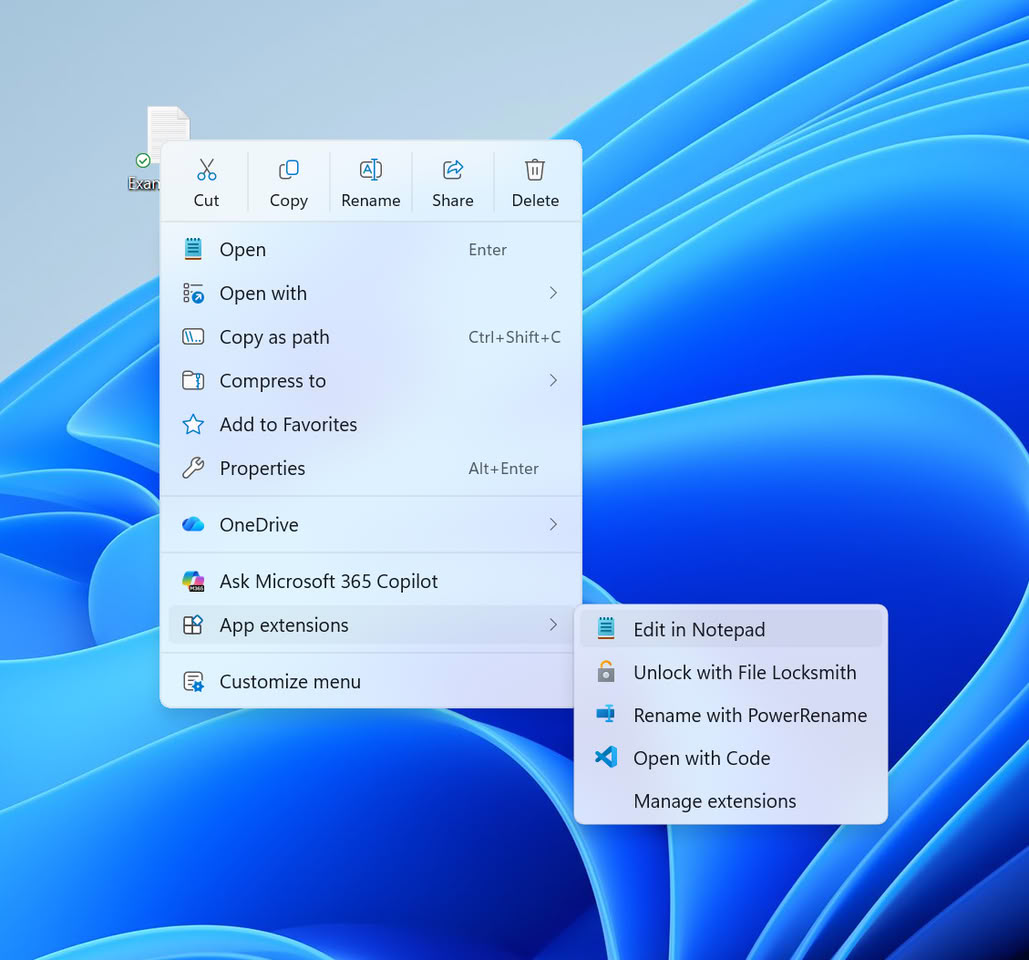
Microsoft has introduced a redesigned, customizable context menu for Windows 11 File Explorer, currently rolling out to Beta channel users in build 26220.9757. This feature, which debuted in the Experimental channel in August, aims to address the clutter caused by numerous third-party application entries that have historically slowed down menu responsiveness.
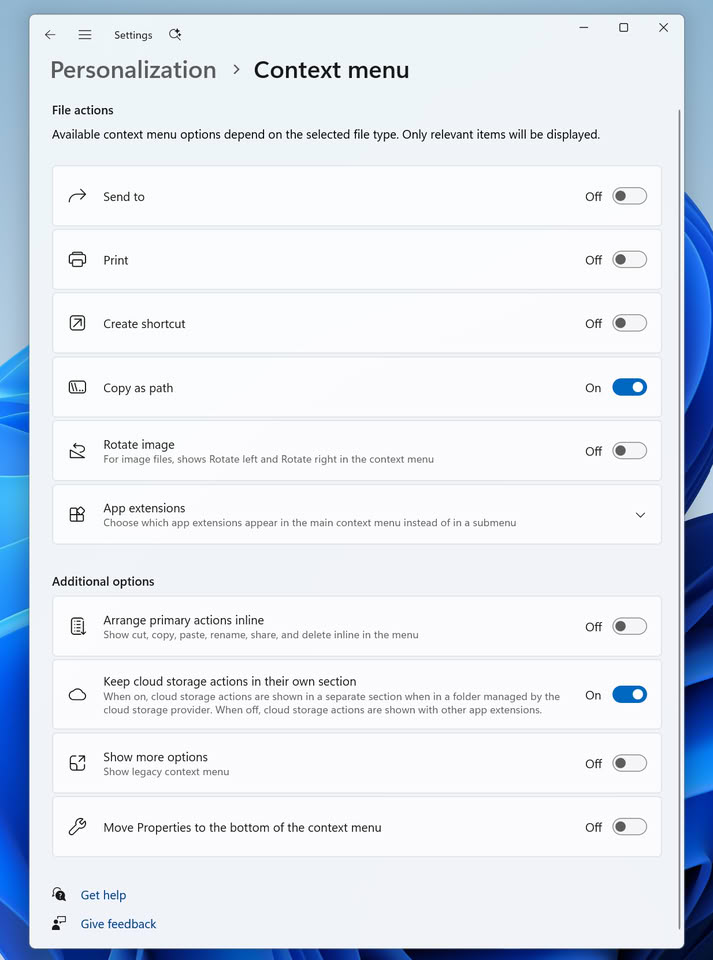
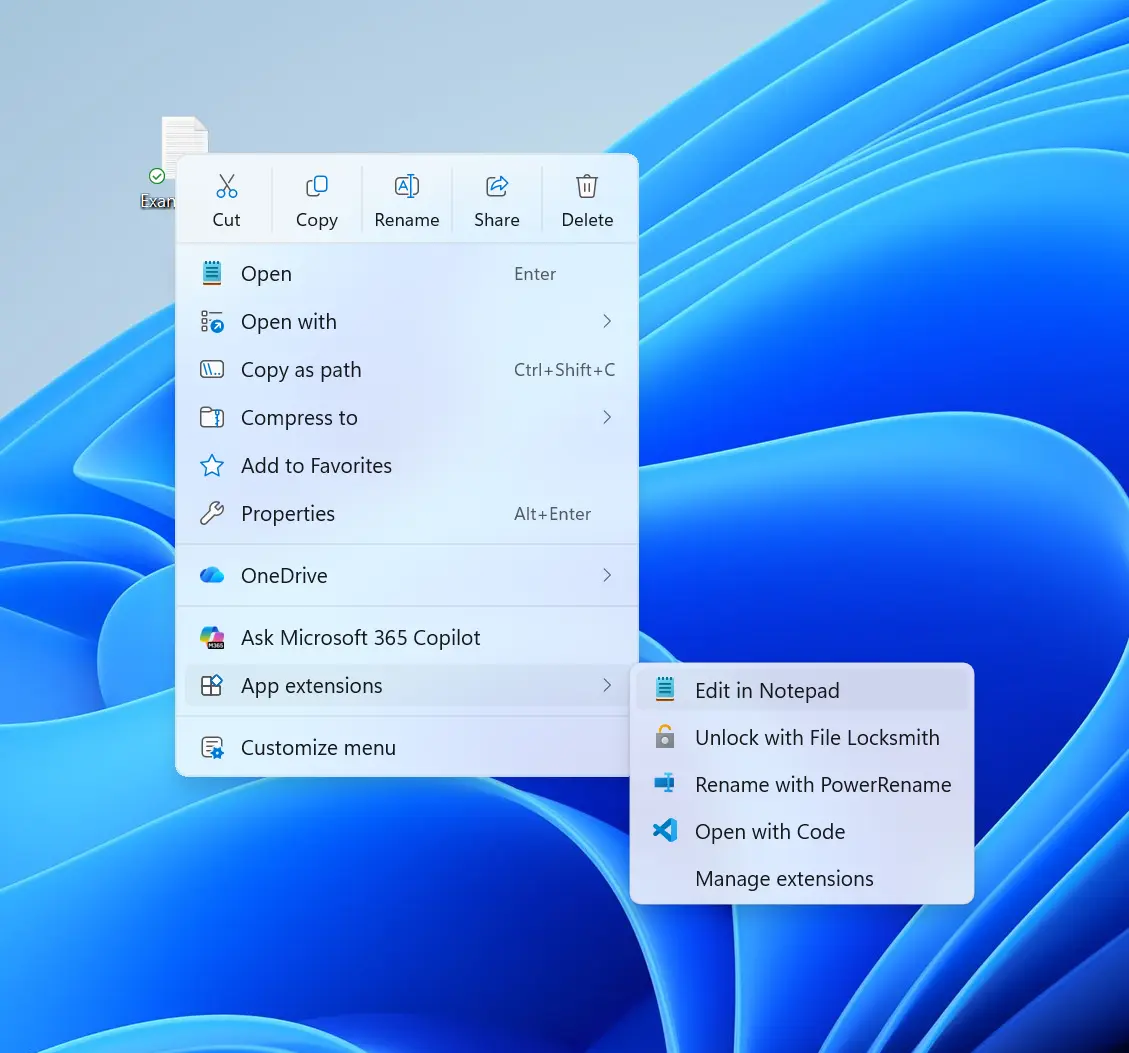
The new interface simplifies the top-level menu by focusing on essential operations. Users can now access a 'Customize menu' option to toggle system commands like 'Send to' or 'Create shortcut' and manage third-party extensions by placing them in submenus or hiding them entirely. Additionally, common actions such as copy, paste, and delete can be toggled between icon-only and text-based displays.
This update is part of a broader effort to optimize File Explorer performance. Starting in mid-November, Microsoft will remove eight OneDrive-based Copilot features from the context menu to reduce complexity. The company has also previously implemented background preloading schemes to improve overall startup speeds and system responsiveness.
While the feature is currently undergoing testing with Windows Insiders, Microsoft has not yet announced a release date for the general public. The company notes that the design remains subject to change based on user feedback before it reaches the stable version of Windows 11.