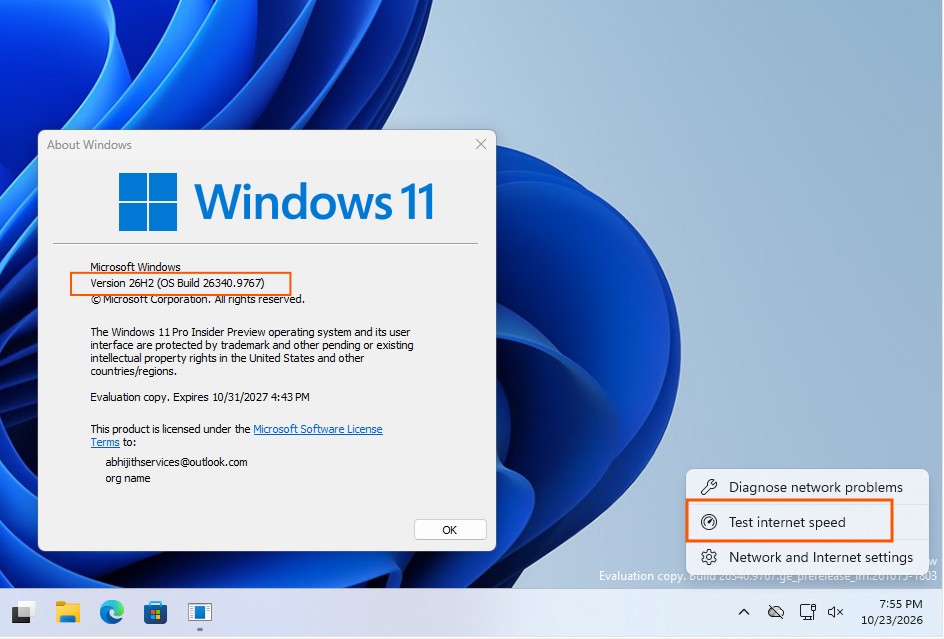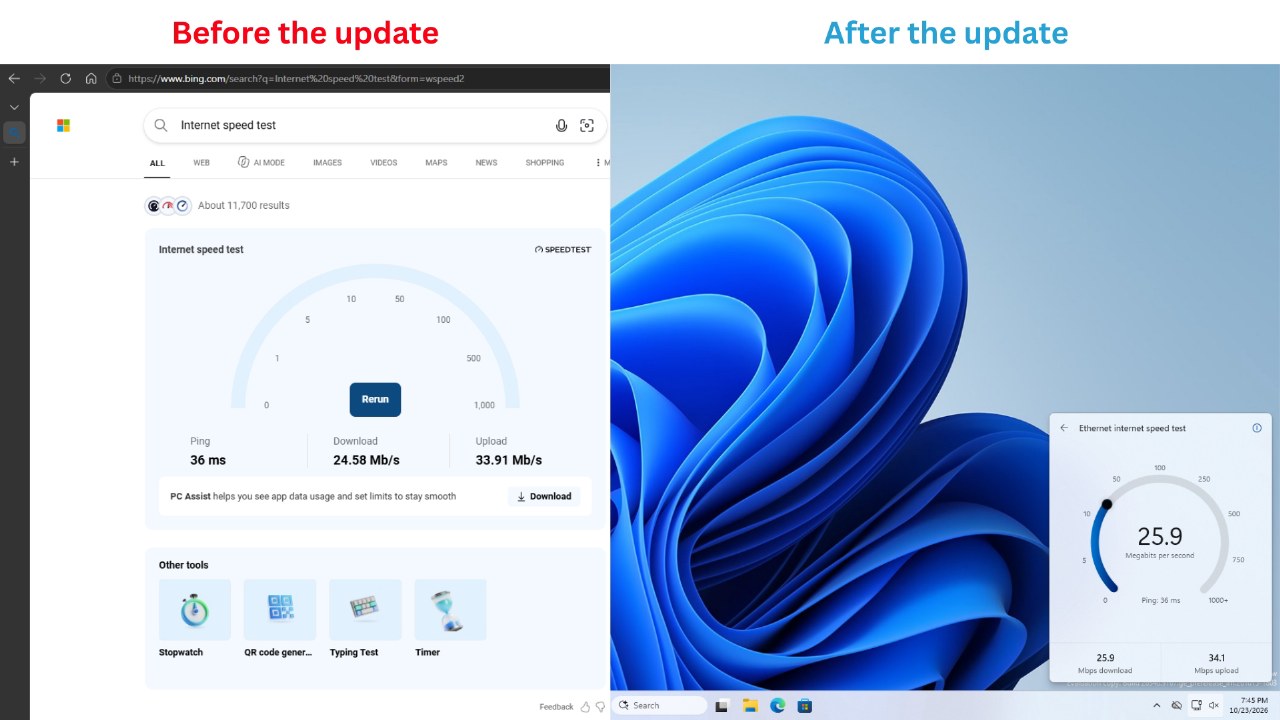
Microsoft has updated the network speed test feature in the latest Windows 11 Insider Experimental Build 26340.9767. The tool now operates directly within the Quick Settings panel, eliminating the previous requirement to launch a web browser and redirect to the Bing search engine.
Users can initiate the test via the new speed test tile in Quick Settings, the Wi-Fi or cellular network panel, or by right-clicking the taskbar network icon. The process measures latency, download, and upload speeds, typically completing within 30 seconds.
The underlying technology remains powered by Ookla Speedtest, consistent with the previous Bing-based implementation. The interface supports both light and dark themes and functions regardless of taskbar positioning.
The feature is currently being rolled out via a controlled feature release mechanism to specific devices running the experimental build. Users may manually enable it through the Windows Insider Program settings under the feature flags menu.
While this update improves system integration, Microsoft has not provided a timeline for a general release. The company has not officially commented on whether this change signals a broader shift in its strategy regarding Bing traffic redirection.