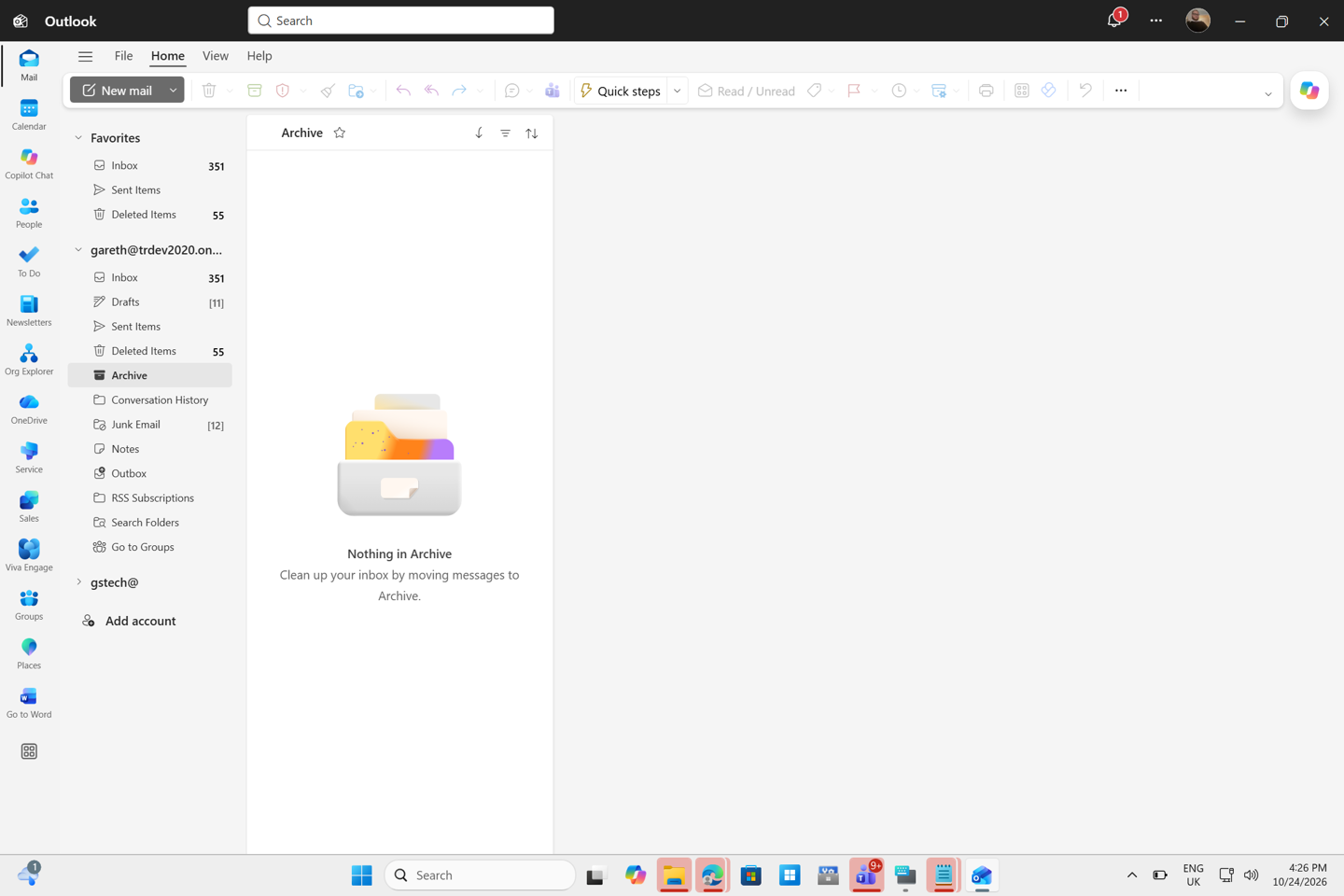
Microsoft has introduced a unified 'All Accounts' inbox for the new Outlook application on Windows 11. This feature allows users to view, delete, search, move, archive, and flag emails from multiple accounts within a single list, eliminating the need to switch between individual mailboxes.
The unified view integrates various folders, including drafts, outbox, sent items, scheduled messages, and deleted items. The rollout began in late September and is expected to be completed by the end of October. Users can enable the feature via the settings menu under 'Mail' and 'Folder Pane'.
The update is currently available for Targeted Release users in version 1.2026.922.300. However, current limitations include restricted search capabilities for older emails and Copilot, which only accesses the primary account. Shared mailboxes are not yet supported in the unified view.
Microsoft plans to release administrative controls later this month, allowing IT managers to determine default settings and user permissions for the unified inbox. While this is a new addition to the Windows 11 Outlook app, similar functionality has previously existed in the legacy 'Mail and Calendar' app and mobile versions.