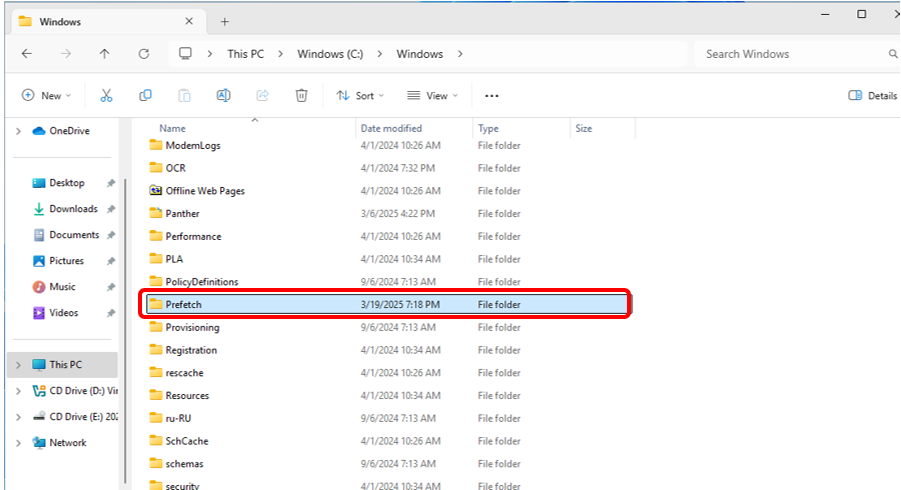
Microsoft's incident response team has clarified the role of Prefetch files in Windows 11. These files, located in the C:\Windows\Prefetch\ directory, track data accessed during application startup to optimize future launch times. The system typically gathers this information within 10 seconds of an application being opened.
The company warns that manually deleting these files does not significantly increase available storage space. Instead, removing them forces the system to rebuild the cache, which can result in slower application startup speeds. Prefetch files are not full application copies and do not remain loaded in memory when programs are inactive.
While the security team advises against general cleanup for performance reasons, they acknowledge the privacy implications. Prefetch files store metadata such as application run counts, last execution times, and file access paths. Users concerned with digital footprints may choose to delete these files as a privacy measure.
To clear these records, users can navigate to the C:\Windows\Prefetch\ folder and manually remove the contents. The team emphasizes that this action is primarily relevant for forensic investigations or users prioritizing the removal of local activity traces rather than system optimization.