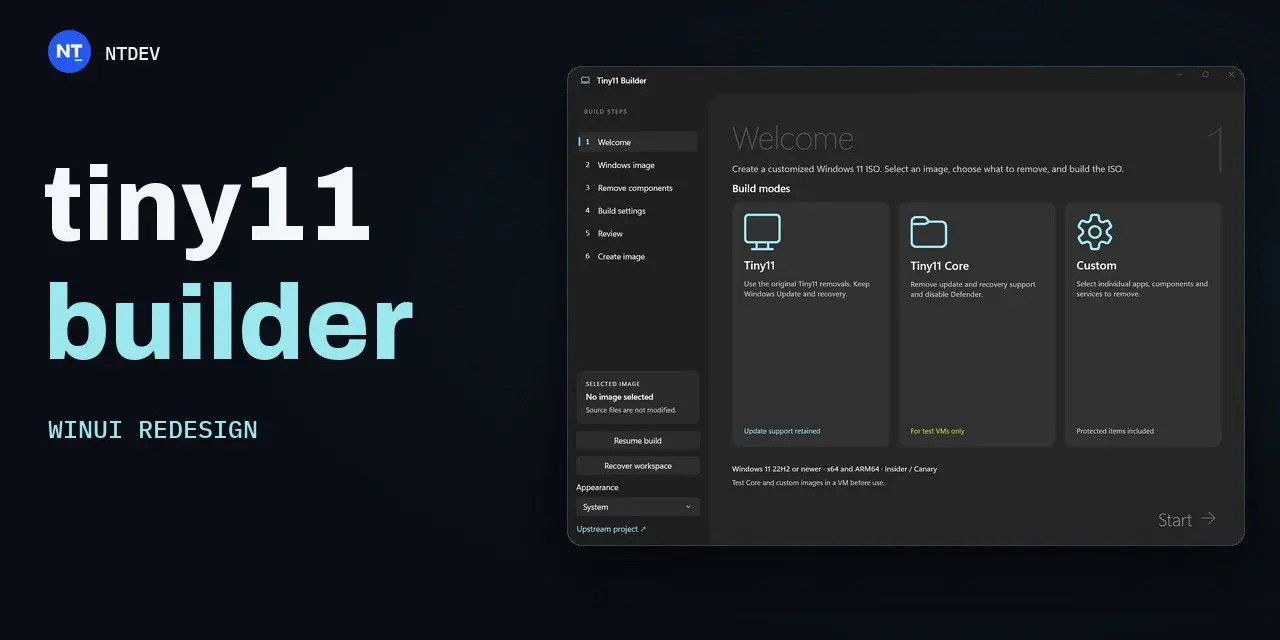
The Tiny11 tool has been updated with a new interface built on the WinUI 3 framework. This release specifically addresses compatibility issues with the recently launched Windows 11 26H2 update. The tool allows users to create streamlined Windows installation images without redundant components, eliminating the need for manual post-installation cleanup.
The latest version improves compatibility checks by moving from bootloader verification to service provider inspection. This change enables the tool to recognize compatible images even when running on Windows 10 host environments, provided the appropriate deployment tools are installed.
Users can choose between a standard mode, which removes pre-installed apps while keeping core features like Windows Update and Defender, and a custom mode for granular control over system components. New features include a fast mode for quicker processing and a progress-saving function to resume interrupted builds.
The developer warns that removing protected system components may lead to system instability. Users are advised to test generated images in virtual machines before deploying them on primary hardware. The tool remains a solution for users with hardware that does not meet the standard requirements for Windows 11.