The latest update for Raspberry Pi OS introduces several optional interface features, including a new application dock and an enhanced screenshot dialog. Users can access these updates by executing the sudo apt update and sudo apt full-upgrade commands in the terminal.
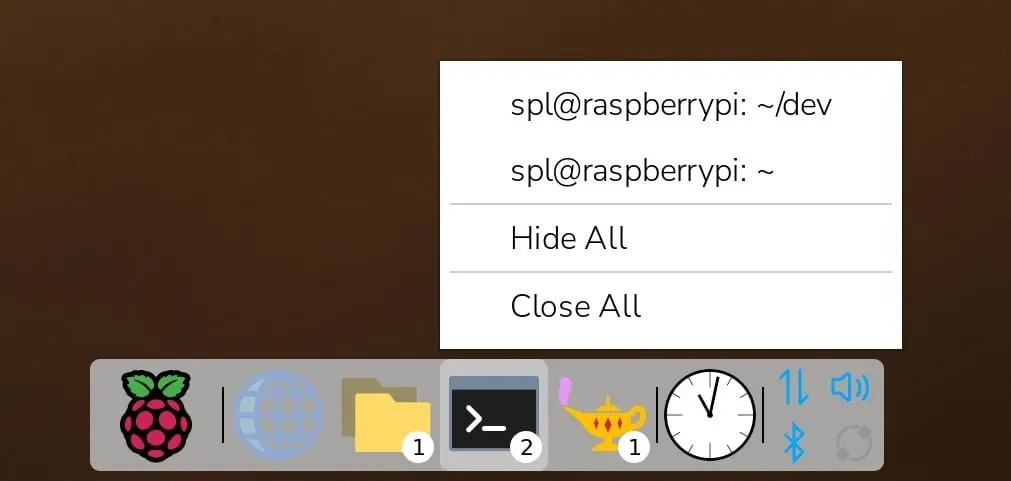
The traditional desktop layout remains the default setting after the upgrade. To enable the new interface elements, users must navigate to the control center. The new dock serves as an alternative to the standard taskbar, providing a more modern navigation experience for the operating system.
A graphical launchpad has been added, which users can access by clicking the Raspberry Pi icon on the dock. This launchpad displays all installed applications, sorted alphabetically by default. Users can rearrange icons via drag-and-drop, open applications with a left click, or access context menus with a right click.
The new launchpad also includes a search bar for quick application discovery. Additionally, the system supports keyboard navigation within the launchpad, allowing users to select and launch programs by pressing the Enter key.