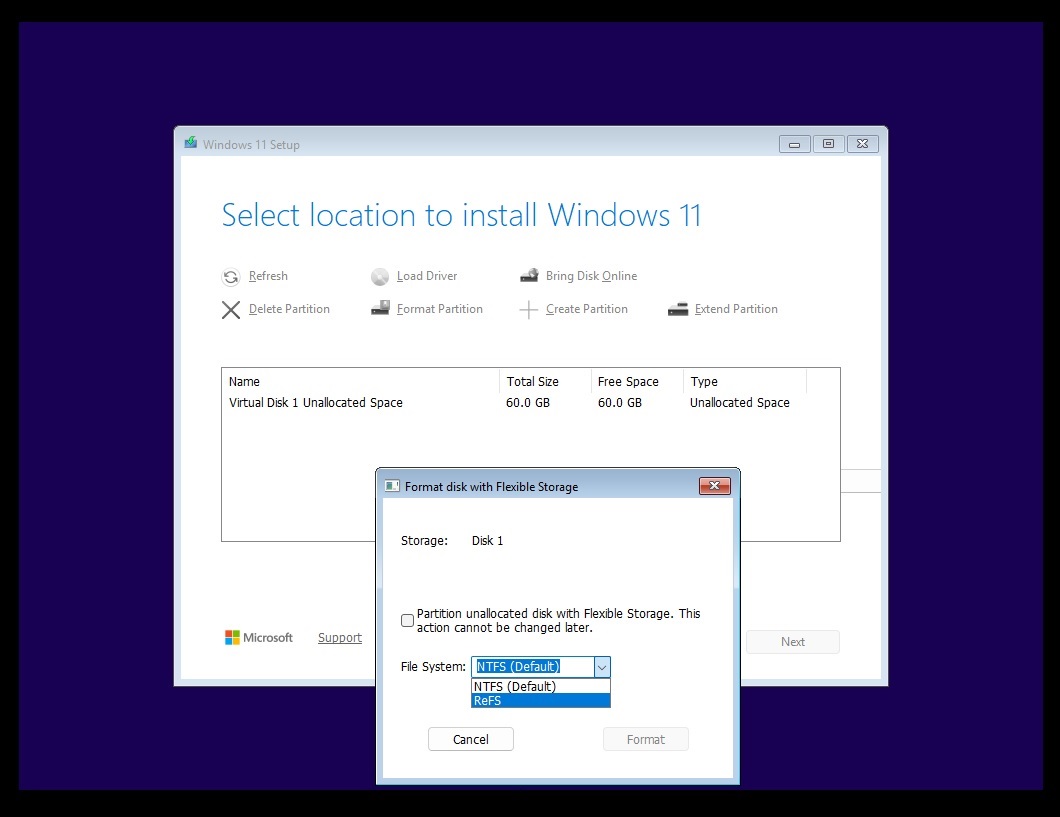
Microsoft has released the Windows 11 26H1 preview build 28120.3272 for Windows Insider members in the Experimental channel. The update primarily addresses a bug in the audio component that caused crashes in certain applications and games.
The 26H1 build is designed for devices featuring next-generation SoC chips, including Qualcomm Snapdragon X2 series ARM laptops and NVIDIA N1X platforms. These devices focus on power efficiency, extended battery life, and native NPU performance.
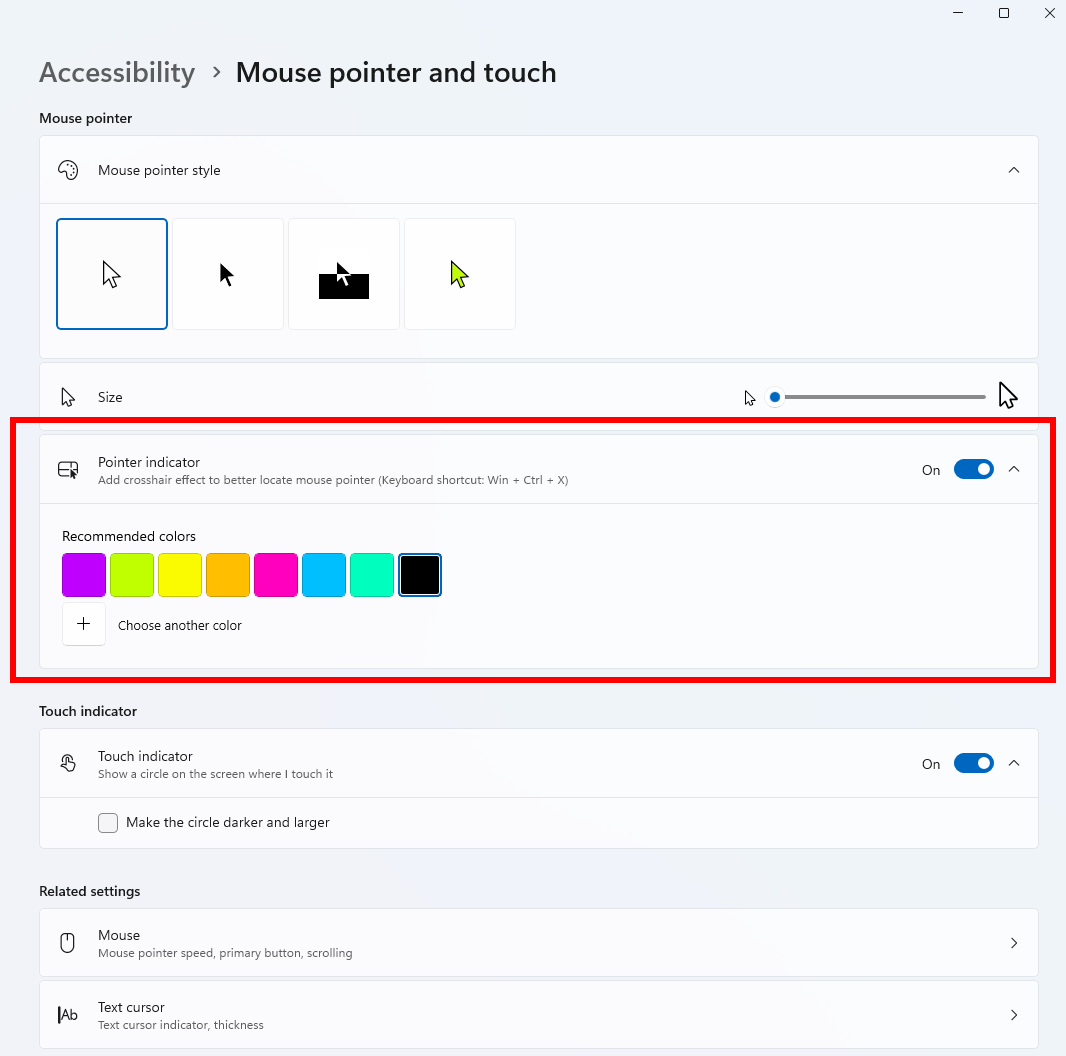
The update introduces a cursor indicator in the Accessibility settings to assist users with low vision. Users can enable this feature via the mouse and touch settings or by using the keyboard shortcut Win + Ctrl + Shift + X.
Search functionality has been updated to provide a cleaner interface with clearer source labeling for apps, system settings, local files, and web content. Users can now toggle web and Microsoft Store recommendations in the search privacy settings.
Additional improvements include a new option for live captions to exclude screen reader audio, a redesigned privacy and security settings page for easier access to permissions, and updated messaging for family safety restrictions.