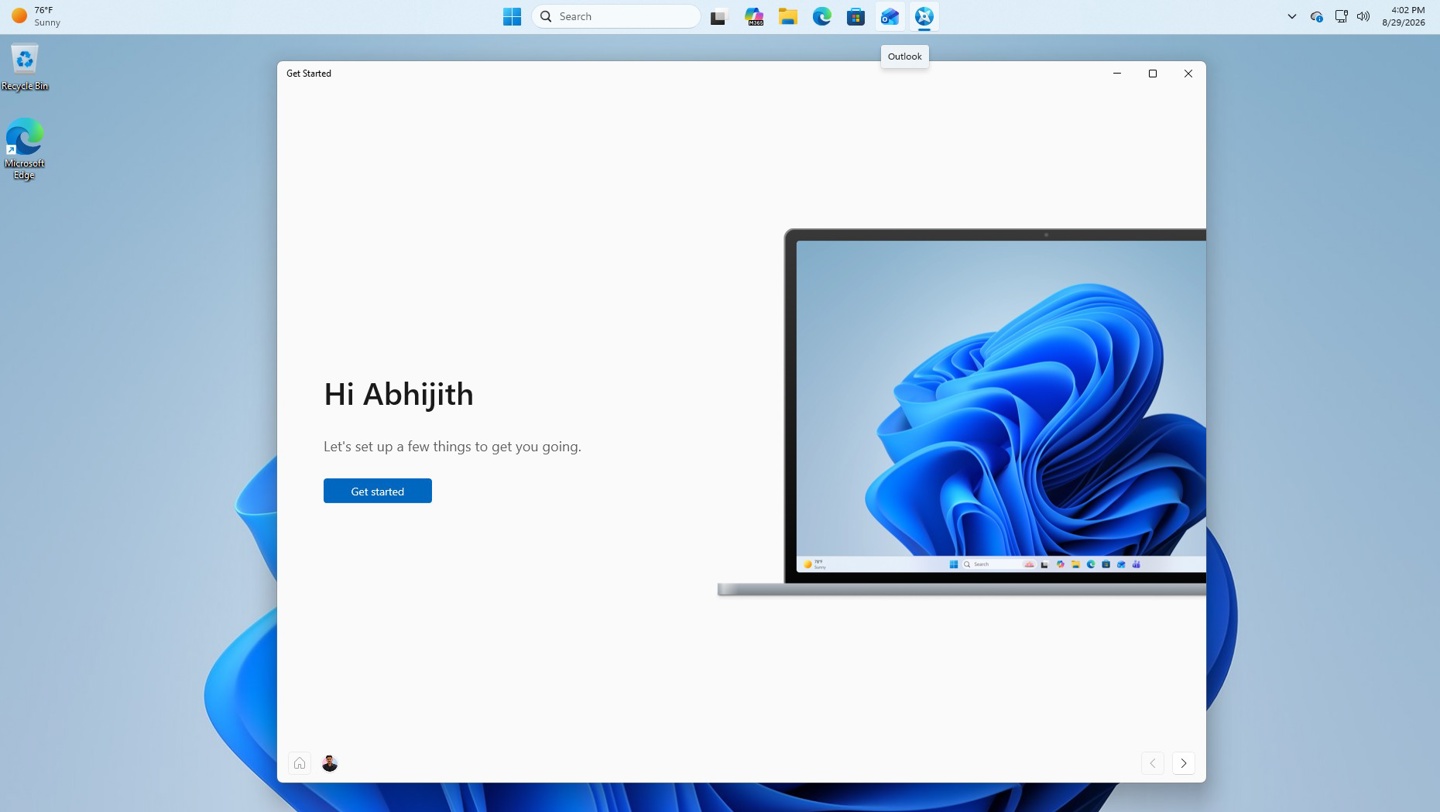
Microsoft is testing a new Assisted Setup feature in the Windows 11 Build 26340.9354 preview, released on September 8. The feature appears after the initial Out-of-Box Experience (OOBE) process, allowing users to select and install popular applications directly from the setup screen.
Participants in the Experimental channel of the Windows Insider program can access this via the 'Show optional settings' button on the final 'Your PC is ready' screen. This action launches the 'Get Started' app, which lists six applications: WhatsApp, Duolingo, TikTok, Netflix, LinkedIn, and Spotify.
Users can select these apps for installation without navigating to the Microsoft Store. The interface also includes a second page offering ten website shortcuts for the taskbar. These suggestions are localized based on the user's region, featuring global platforms alongside local sites like BBC or Amazon UK.
The setup flow concludes with additional pages for system personalization, update checks, and a link to official Windows tips. Microsoft is currently evaluating this process with a limited group of testers to streamline the post-installation experience for new Windows 11 users.