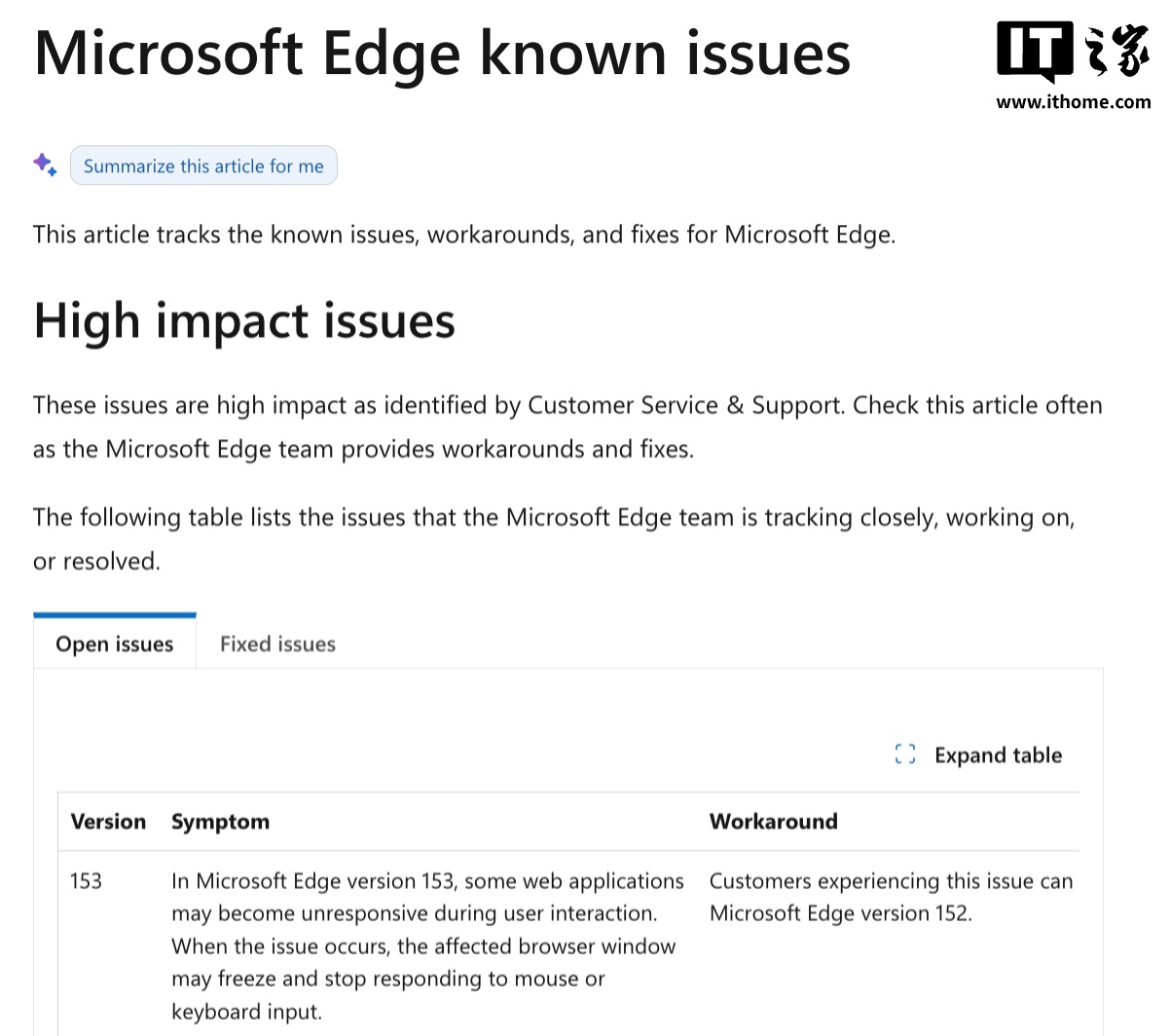
Microsoft has acknowledged a performance issue in Edge version 153, where web applications cause the browser window to stop responding. The company currently recommends that affected users downgrade to version 152 to restore stability while waiting for an official patch.
The issue particularly impacts users who rely on web-based services for their daily tasks. Platforms such as Slack and Airtable, as well as various Windows services that utilize web-based wrappers, are experiencing these crashes. Alternatively, users may switch to other browsers like Chrome or Firefox.
Performing the downgrade is not straightforward, as there is no simple toggle in the settings. Users must first disable automatic updates and download the MSI installer for version 152 from the official Microsoft website.
To complete the process, users need to run a specific command via the Windows Command Prompt with administrator privileges. The command 'msiexec /I FileName.msi /qn ALLOWDOWNGRADE=1' must be executed, replacing the filename with the downloaded installer.