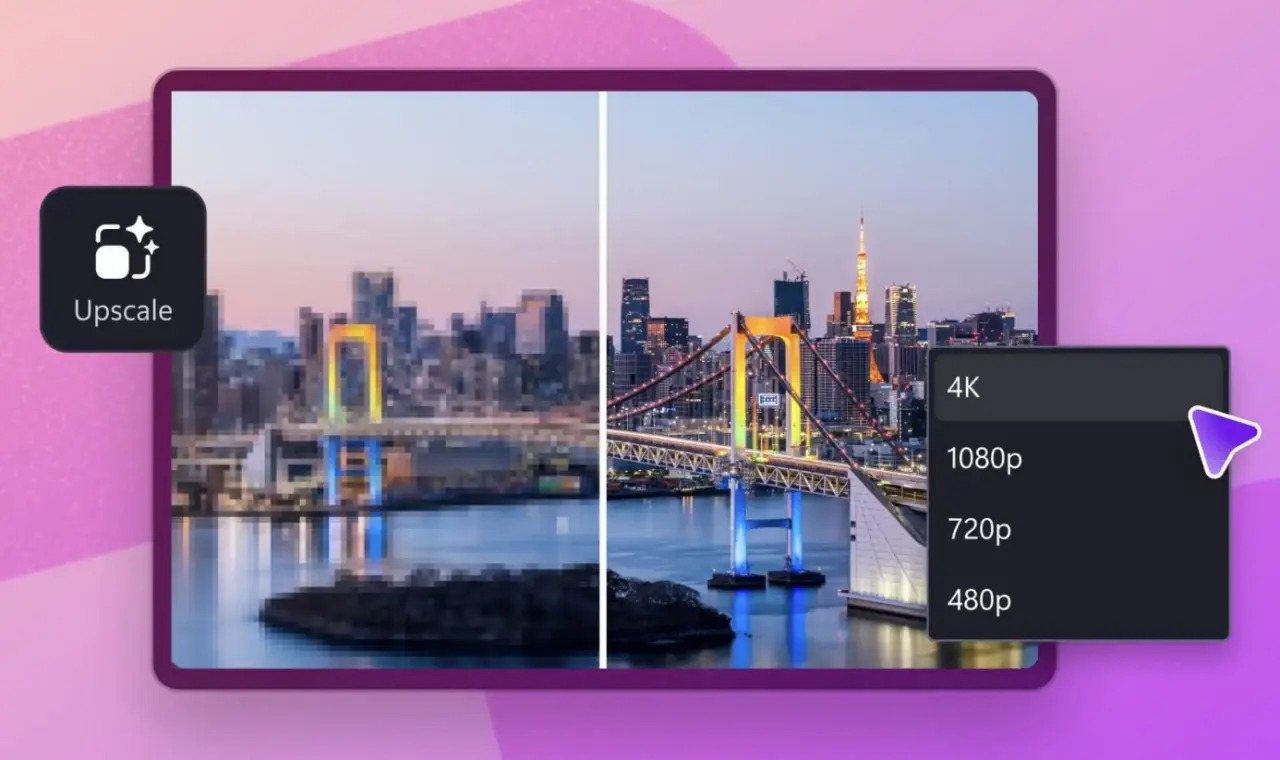
Microsoft has integrated a new Video Super Resolution feature into the Clipchamp editor for Windows 11. This tool uses local device processing to upscale low-resolution footage to a maximum of 4K. It is designed to enhance videos from older smartphones, compressed messaging app files, or low-quality webcams by generating additional image details.
The feature leverages local hardware, utilizing the CPU on standard PCs or the NPU on Copilot+ PCs. It is compatible with hardware from AMD, Intel, and Qualcomm. Users can access the Upscale tab within the Clipchamp timeline to select target resolutions, including 480p, 720p, 1080p, and 4K, depending on the source material.
Microsoft notes that the AI model estimates and generates details, which may lead to artifacts or distortions in faces and other elements. Consequently, the company advises against using this tool for sensitive tasks such as legal evidence, identity verification, or medical imaging. The feature is currently exclusive to the Windows desktop application.
To ensure optimal performance, Microsoft recommends a minimum of 8GB of RAM for Clipchamp, with 16GB or more suggested for a better experience. The company warns that older CPUs and GPUs may cause performance issues, including slow processing, stuttering, or application crashes. The browser-based version of Clipchamp does not support this new functionality.