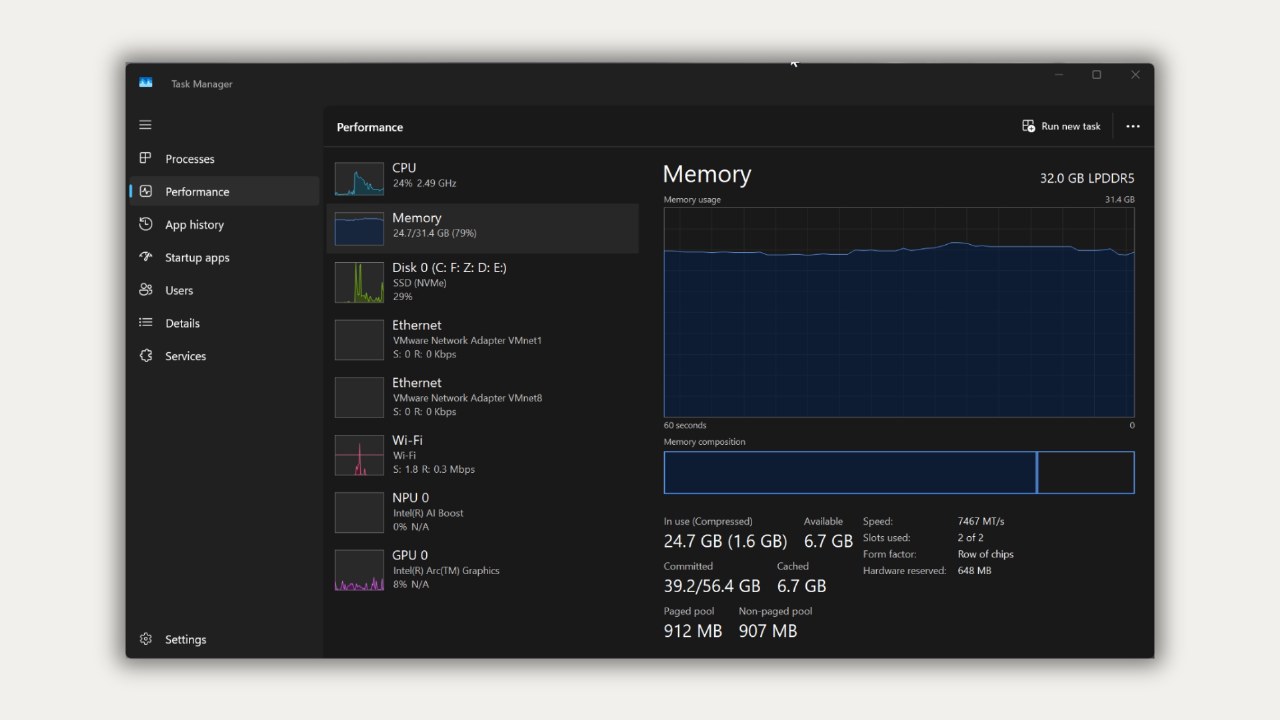
Microsoft advises against disabling the page file even on systems equipped with 32GB of RAM. The page file, known as pagefile.sys, serves multiple critical functions, including offloading infrequently used data from physical memory, expanding the total committed memory limit for applications, and providing storage for system crash dumps.
The system's commit limit is determined by the combined capacity of physical RAM and the page file. Disabling the page file restricts the total committed memory to slightly less than the installed RAM. This can lead to application crashes or freezes if programs request more memory than the available commit limit, even if physical RAM appears to have free space.
Microsoft recommends letting Windows manage the page file automatically, as it adjusts based on peak memory usage and crash dump requirements. If the commit limit reaches 90 percent, the system may automatically expand the page file. Without a page file, Windows typically cannot save crash dumps unless a dedicated file is configured.
While users might consider manual settings for specific workloads, such as setting the initial size to 1.5 times the RAM, this is not a universal recommendation. Microsoft notes that for most 32GB systems, disabling the page file provides no significant performance gains and instead reduces the system's overall memory headroom.