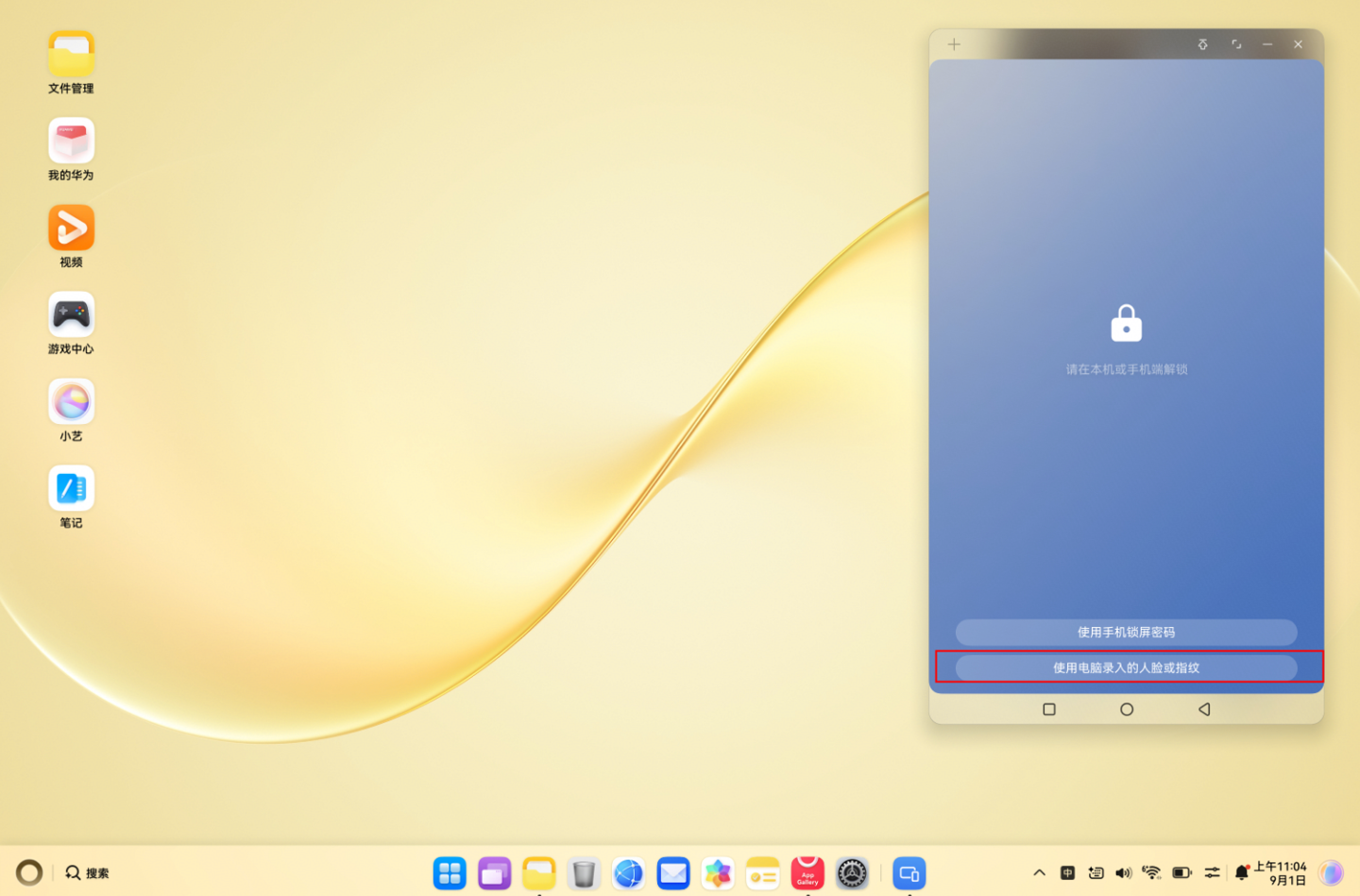
Huawei has introduced a cross-device biometric authentication feature for its HarmonyOS-powered MateBook laptops. Users can now unlock their smartphone windows directly from their PC using fingerprint or facial recognition technology.
To enable this functionality, both the MateBook and the smartphone must be updated to HarmonyOS version 7.0.0.105 SP10 or higher. Users can initiate the update process through the settings menu by searching for the upgrade option.
Configuration requires adding the laptop as a trusted device within the smartphone's settings under the collaborative authentication section. Initial setup mandates entering the phone password to grant authorization for the cross-device unlock feature.
Once authorized, the system allows for seamless unlocking. Facial recognition is currently limited to the HUAWEI MateBook Pro S model, while fingerprint authentication is performed via the power button sensor on the laptop.