Microsoft has introduced new accessibility features in the latest Windows 11 Beta Build 26220.9568. The update focuses on improving cursor visibility and customization options for users, particularly those with visual impairments or those working on high-resolution and ultrawide displays.
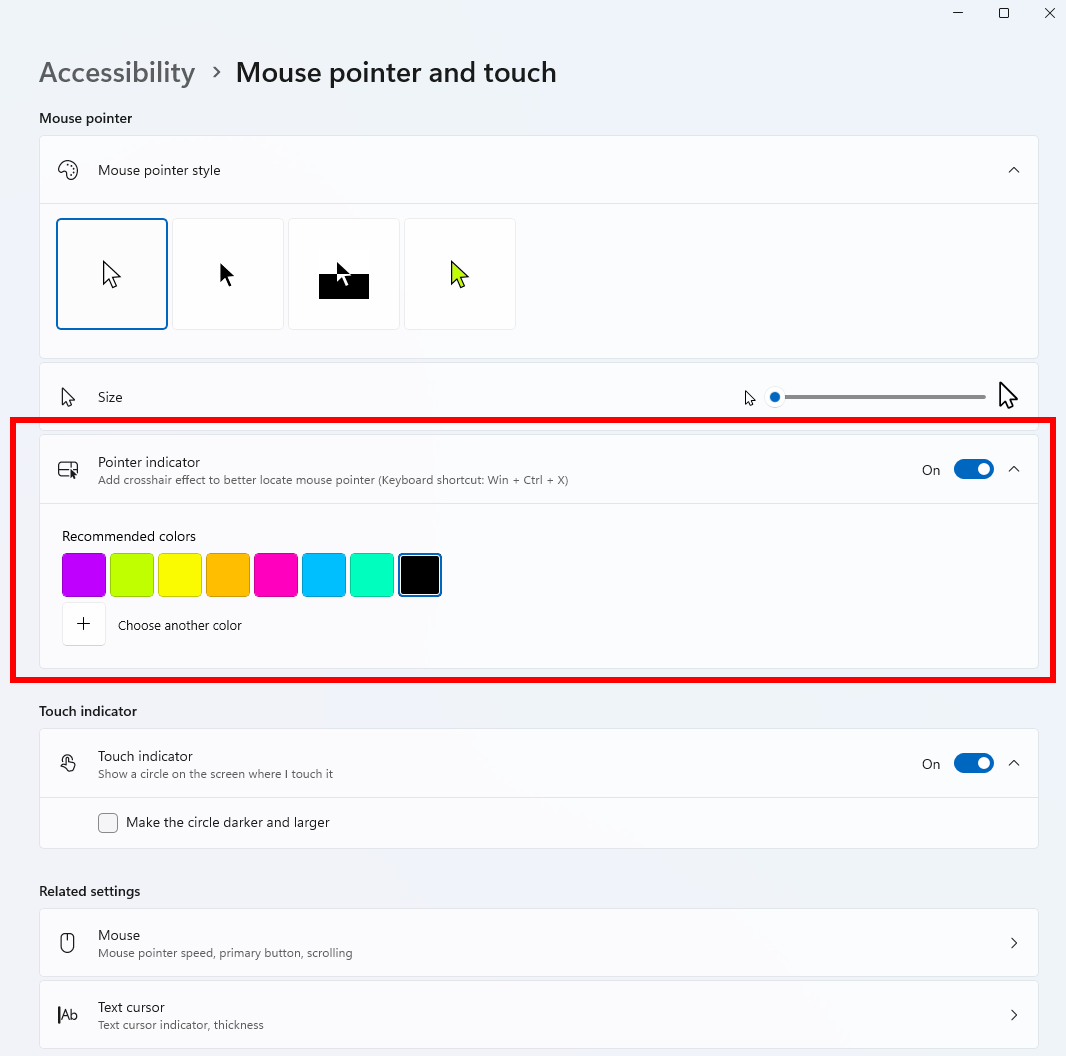
The new custom mouse color feature allows users to select from preset colors or define their own using RGB and HEX values. This setting is accessible via the Accessibility menu under Mouse pointer and touch. It aims to assist users with color blindness by providing better visual contrast.
Additionally, Microsoft added a mouse indicator tool that highlights the cursor's location when the Ctrl key is pressed. Upon activation, a black circular animation appears around the pointer. This feature is designed to help users quickly locate their cursor on large or high-resolution screens.
Currently, the indicator is triggered exclusively by the Ctrl key, which cannot be remapped in the system settings. Users who rely on Ctrl for other application shortcuts may experience conflicts. The feature can be managed through the Mouse pointer and touch section in the system settings.