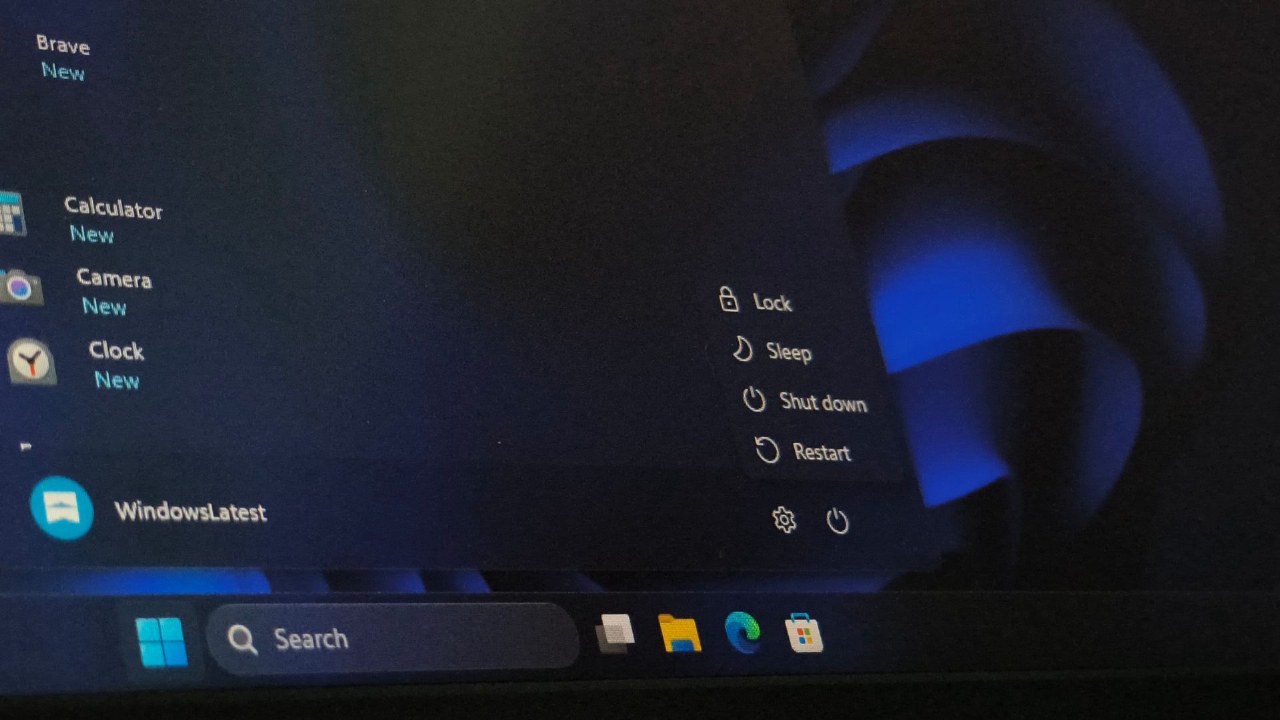
Microsoft has clarified that the 'Restart' function in Windows 11 performs a more thorough system refresh than a standard 'Shut Down'. This distinction stems from the 'Fast Startup' feature, which has been a default setting since Windows 8 to reduce boot times.
When a user selects 'Shut Down', Windows saves the system kernel and driver data to the hiberfil.sys file on the hard drive. Upon powering back on, the system restores this snapshot instead of performing a full cold boot, which may preserve existing errors or driver issues.
In contrast, the 'Restart' command bypasses the Fast Startup mechanism entirely. It terminates the current kernel session, clears all system snapshots, and reloads all core components, including drivers and underlying system services from scratch.
This design was originally implemented during the era of mechanical hard drives to improve performance. With the modern prevalence of SSDs, the difference in boot speed is less noticeable, but the technical difference in how the system handles core processes remains.
Microsoft recommends that users prioritize a full 'Restart' when troubleshooting system freezes, driver malfunctions, network issues, or peripheral recognition problems. A restart ensures a complete cold boot, whereas a standard shutdown acts more like an optimized hibernation.