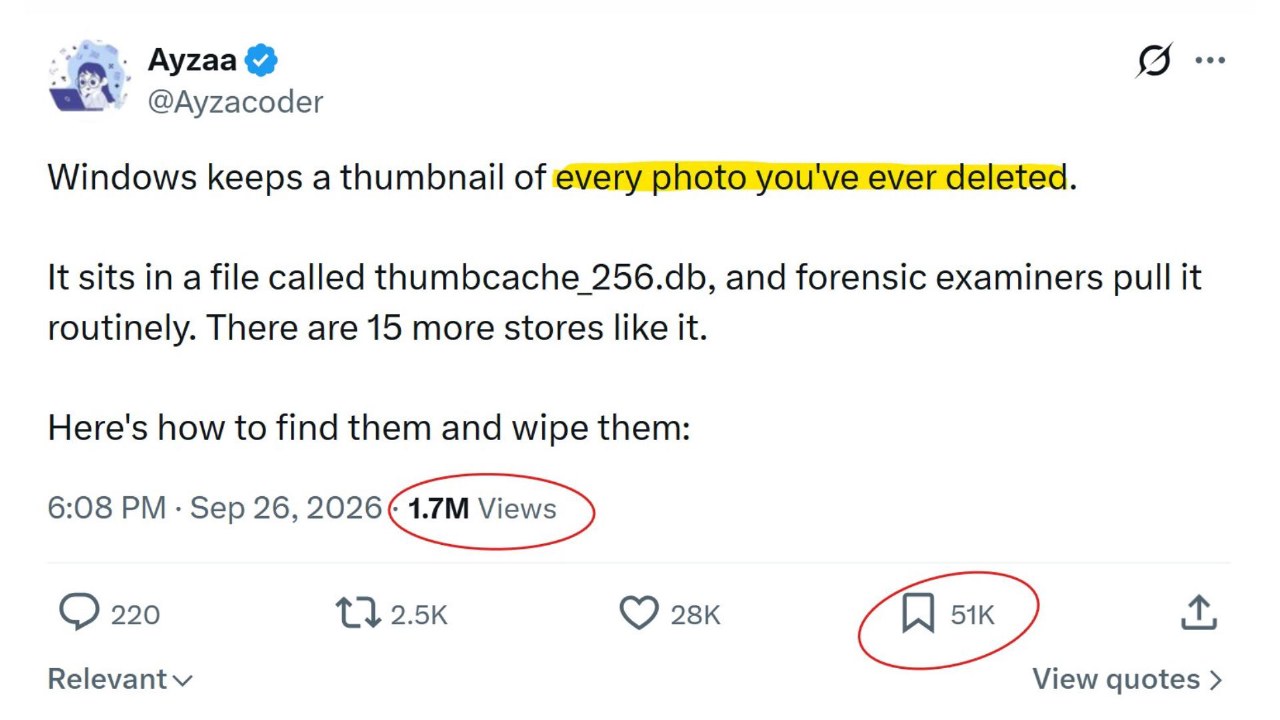
Recent social media claims suggest Windows 11 stores thumbnails of every deleted photo in a database file named thumbcache_256.db. While it is true that Windows retains some thumbnails after the original files are deleted, the system does not archive every deleted photo. This mechanism is standard in modern operating systems, including macOS and Linux, to improve folder browsing speed.
Thumbnail caches are generated only when a user views images in File Explorer or other compatible applications. If a photo was never opened in a thumbnail-view mode, no cache entry exists. These databases, located in the user profile's Explorer directory, store various sizes such as 32, 96, 256, and 1024 pixels. They do not act as a hidden, permanent archive of all user activity.
Users can clear these thumbnails using the built-in Disk Cleanup tool by selecting the 'Thumbnails' option. For more permanent control, Windows 11 Pro, Enterprise, and Education users can disable thumbnail caching via the Group Policy Editor (gpedit.msc). Home edition users can achieve a similar result by enabling 'Always show icons, never thumbnails' in the Folder Options settings.
The persistence of thumbnails after file deletion is a known technical behavior often used in digital forensics. However, these are low-resolution previews, not the original files. Other Windows features, such as Prefetch files, USBSTOR registry entries, Wi-Fi profiles, and Clipboard history, also store metadata for system functionality, but they are not permanent surveillance logs.
As AI agents gain deeper access to local files, the distinction between deleting a file and erasing all associated metadata becomes increasingly relevant. While there is no evidence that AI agents actively scrape thumbnail caches, users should be aware that standard deletion does not immediately wipe all traces of data from the storage drive, unlike specialized tools like SDelete.