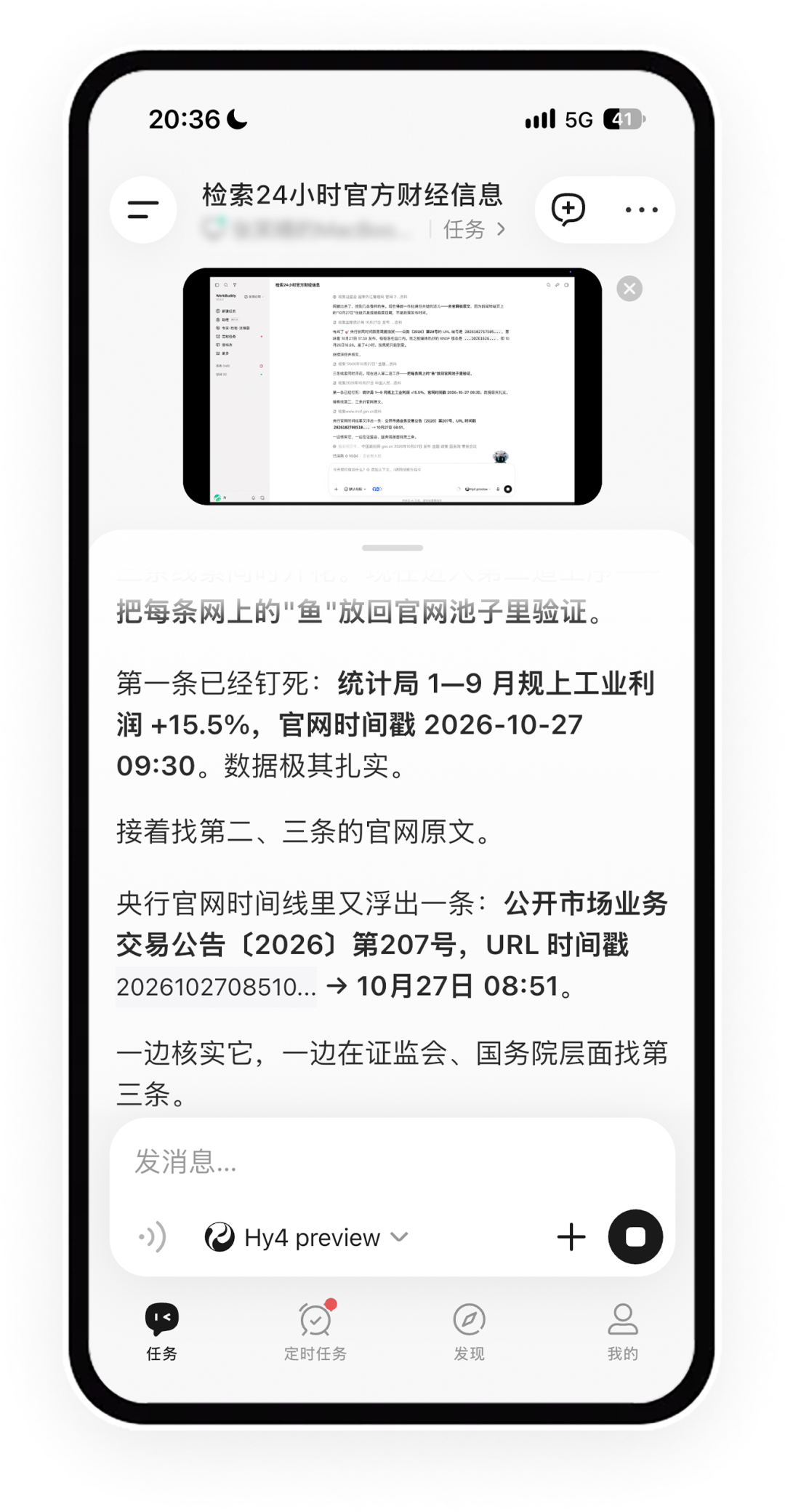
Tencent has launched a remote control feature for its WorkBuddy application, developed with technical support from the Edge One team. Users can now monitor and operate their computer desktops directly from their mobile devices in real time.
The interface allows users to view the desktop via a floating window within the mobile app. It supports full-screen landscape mode, where touch inputs on the phone correspond to specific locations on the computer screen. Users can also utilize a virtual mouse for precise navigation and access keyboard shortcuts.
Additional management tools include options to display all active windows, return to the desktop, and adjust image quality based on network conditions. The app provides a tutorial for first-time users and includes a confirmation step before disconnecting the remote session.
To enable this functionality, users must update the WorkBuddy mobile app to version 2.7.0 or higher and the macOS desktop client to version 5.9.3 or higher. Initial setup requires granting screen recording and accessibility permissions on the computer.
Tencent states that only one verified mobile device can connect to a computer at a time. All sessions are encrypted, and the company does not record user inputs or save remote control footage. The feature consumes data traffic but does not use tokens.