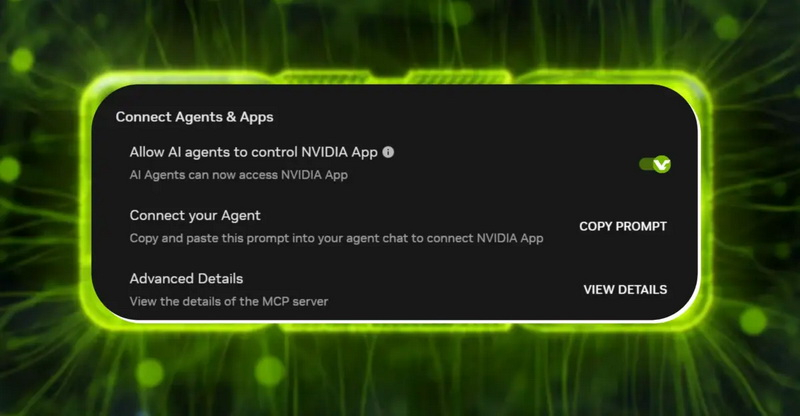
Nvidia has updated its Nvidia App to version 11.0.9.565, introducing a local Model Context Protocol (MCP) server. This server allows compatible AI assistants to interact with the application through natural language commands, enabling them to launch games, adjust graphics settings, manage ShadowPlay recordings, and modify power settings on laptops.
The MCP server operates locally using the 127.0.0.1 loopback address on port 13508. Upon installation of the update, the feature is enabled by default without explicit user consent. The setting is located under the 'Connect Agents & Apps' section in the application's preferences.
While the server runs locally, any compatible software on the same device can access Nvidia App functions. Depending on the specific AI agent used, information retrieved from the application could potentially be transmitted to external servers. Users who do not utilize AI agents are advised to disable the feature.
To deactivate the MCP server, users must navigate to Settings, select the Features tab, and toggle off the 'Allow AI agents to control Nvidia App' option. According to Nvidia documentation, disabling this switch prevents the server from running, though users can re-enable it manually at any time.