

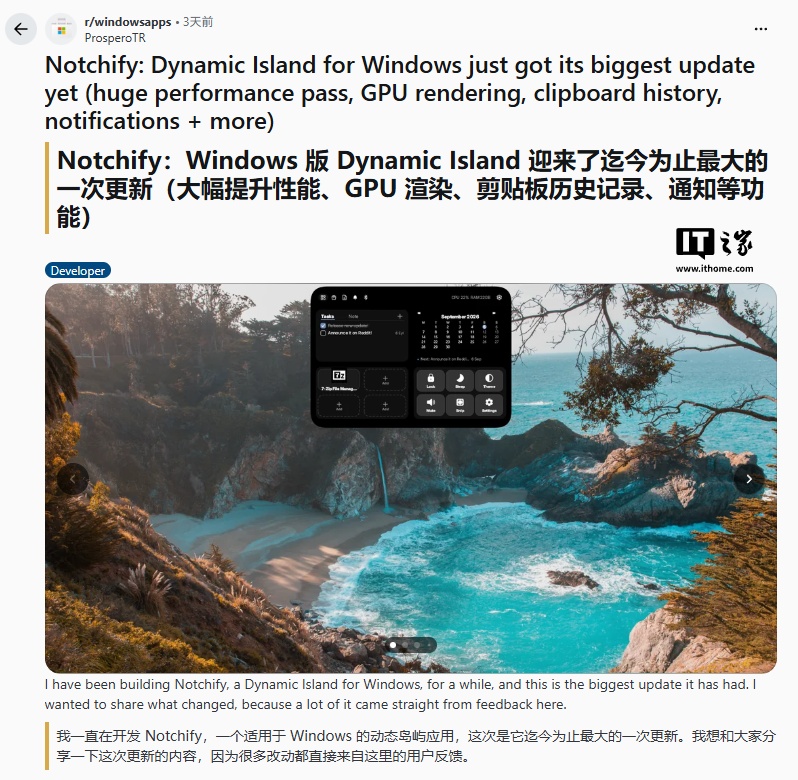
The update introduces GPU hardware rendering to improve animation smoothness. Users can now select a frame rate between 60 and 240Hz to match high-refresh-rate monitors.
The developer has reduced CPU and memory usage during idle states and fixed system-level keyboard delay issues. Full-screen detection has also been improved to prevent the tool from interfering with game visuals.
New features include a built-in clipboard history where users can pin, delete, or clear items. Clipboard entries and files can be dragged and dropped directly into applications like Discord, WhatsApp, Paint, or File Explorer.
The application now features an internal notification panel with support for notification stacking and swipe-to-close functionality. Clicking a notification allows for a direct jump to the corresponding app.
Bluetooth connectivity is updated with battery ring displays for connected devices and support for BLE devices. The media player now includes progress dragging, shuffle, and repeat modes, along with visual effects that change based on album art.
Users can enable a 'hover display' mode, allowing the overlay to appear when the mouse moves to the top edge of the screen, even in full-screen mode. The app is available on the Microsoft Store for ¥12.6 with a free trial.


