

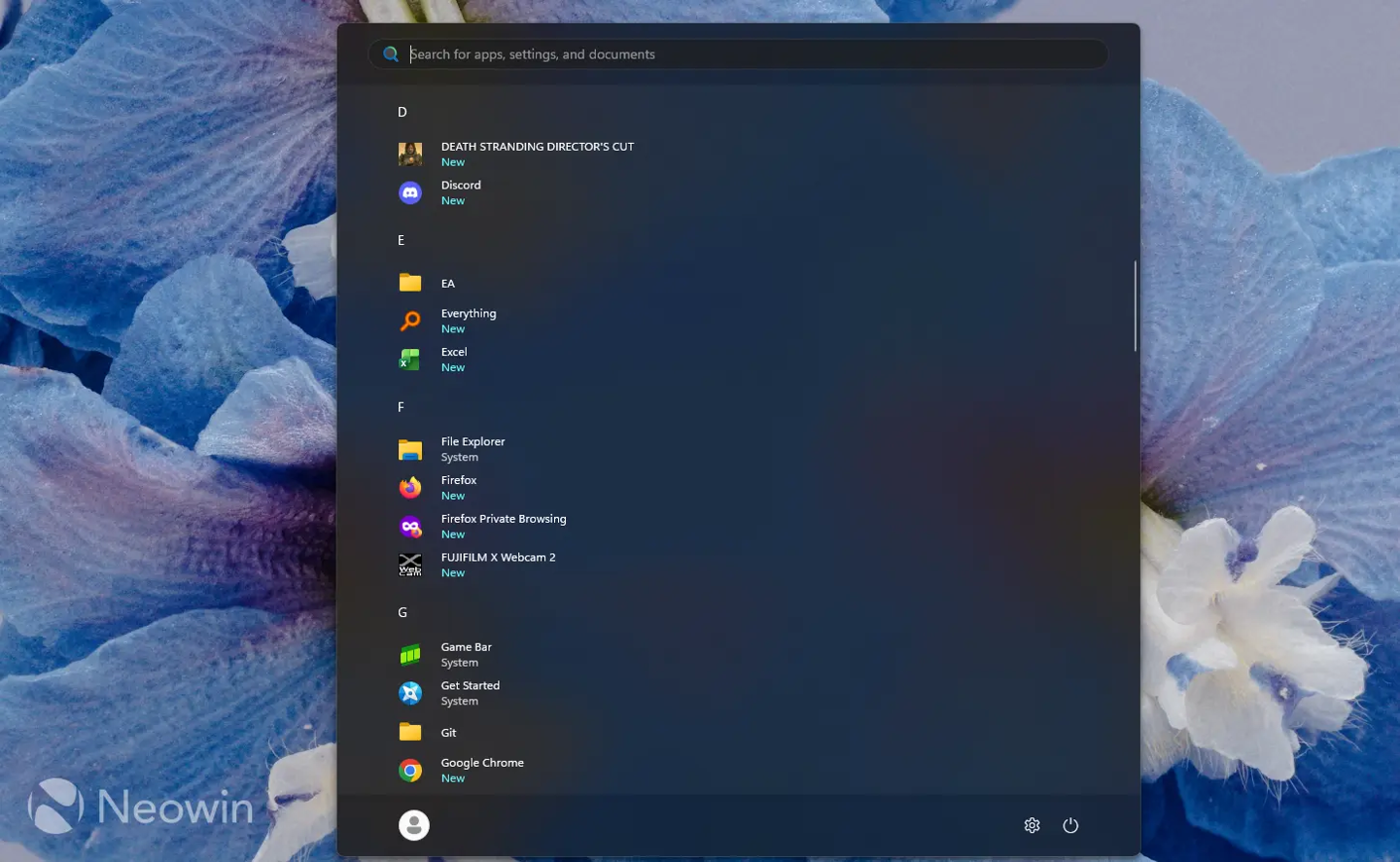
Microsoft has introduced a new privacy feature for Windows 11 following the release of the optional KB5120998 update. Users can now hide their account name and profile picture directly within the Start menu, a functionality designed to simplify screen recording and content sharing processes.
The configuration is accessible via the Settings menu under Personalization and Start. Once the Hide your name and profile picture on Start option is toggled, the system replaces the user's personal avatar with a generic Microsoft icon and removes the displayed name. Full account details remain visible upon clicking the panel.
The update is currently being distributed through a progressive rollout mechanism. Consequently, the feature may not be immediately available on all devices. Users who do not see the new toggle in their settings should wait for the update to be enabled on their systems by Microsoft.


