Microsoft is introducing a new 'Classic Outlook' theme for the updated Outlook application on Windows 10 and Windows 11. The rollout of this visual update is scheduled to begin in August 2026.
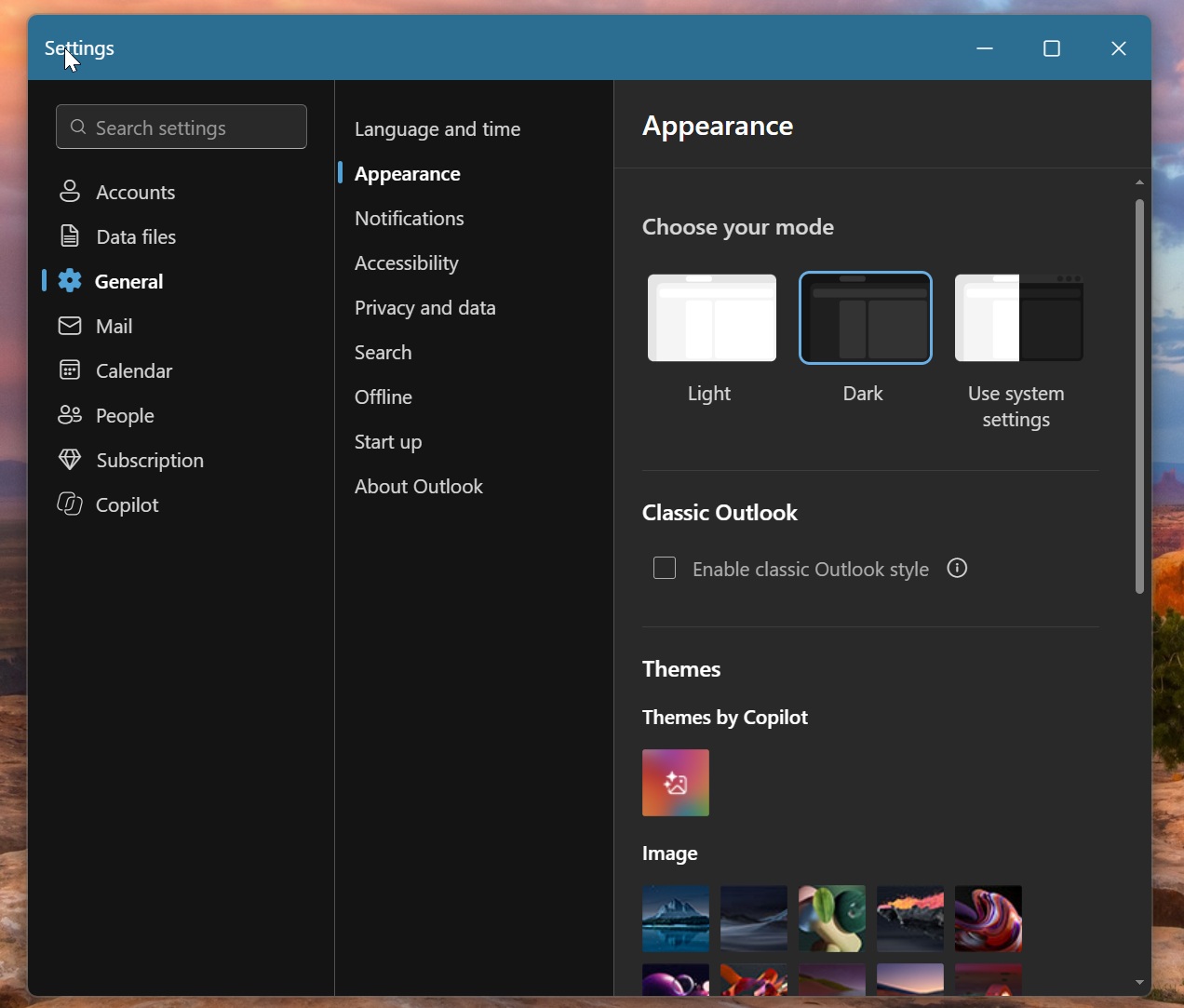
Users can activate the new theme through the General and Appearance sections in the application settings. The update modifies the title bar, icons, folder list, and toolbar to replicate the classic interface.
The new design replaces the blue title bar with a solid dark background and introduces a more compact folder list. Icons for folders such as Inbox, Drafts, and Sent Items have been removed to align with the older layout.
The toolbar now includes a Send/Receive tab, and the New Email button has been updated with a neutral style and a classic icon. The email composition window also adopts the classic design, featuring tabs for Insert, Format Text, and Options.
Despite the visual changes, the application remains a web-based tool running within an Edge container. Microsoft stated that the theme aims to provide a familiar experience for users transitioning from the classic version while retaining modern features.