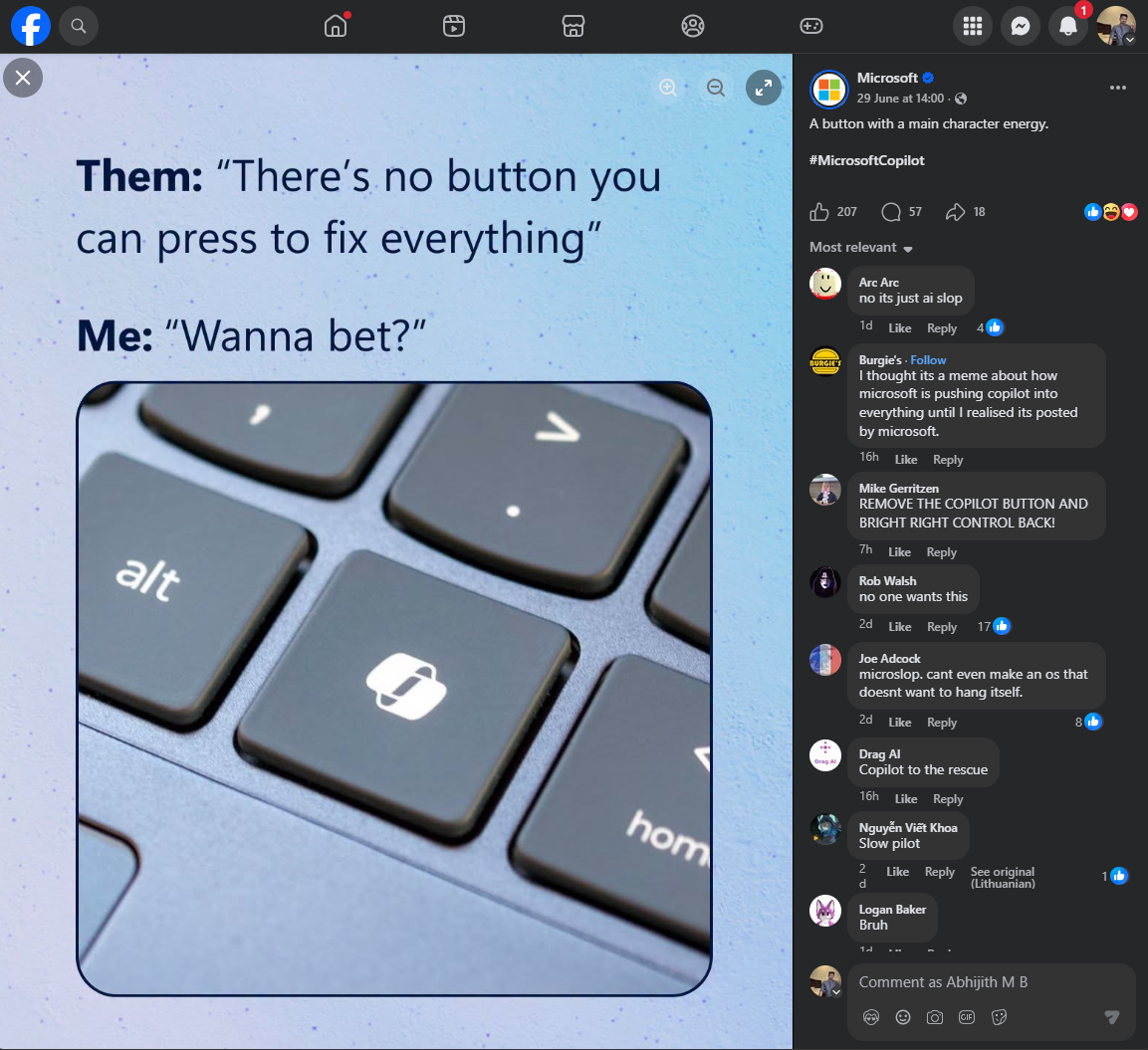
Microsoft has expanded the customization options for the dedicated Copilot key on Windows 11 AI+ PC devices. Users can now remap this button to function as a Right Ctrl key or a Menu key, in addition to the previously introduced 'no action' setting.
The new functionality is available in the Windows 11 24H2 Build 26100.9539 and 25H2 Build 26200.9539 updates released on September 10. Users can configure these changes through the system settings menu by navigating to Bluetooth and devices, and then selecting Keyboard.
Microsoft noted that remapping the button to Right Ctrl may affect certain keyboard shortcuts. Specifically, combinations involving the Right Ctrl key with Windows or Shift keys may not function as expected, and the company recommends using the Left Ctrl key for these operations instead.
The company also advised users to avoid using third-party key mapping tools simultaneously with the built-in Windows settings to prevent conflicts. These updates follow Microsoft's earlier acknowledgment that the dedicated Copilot key might interfere with accessibility workflows for some users.