
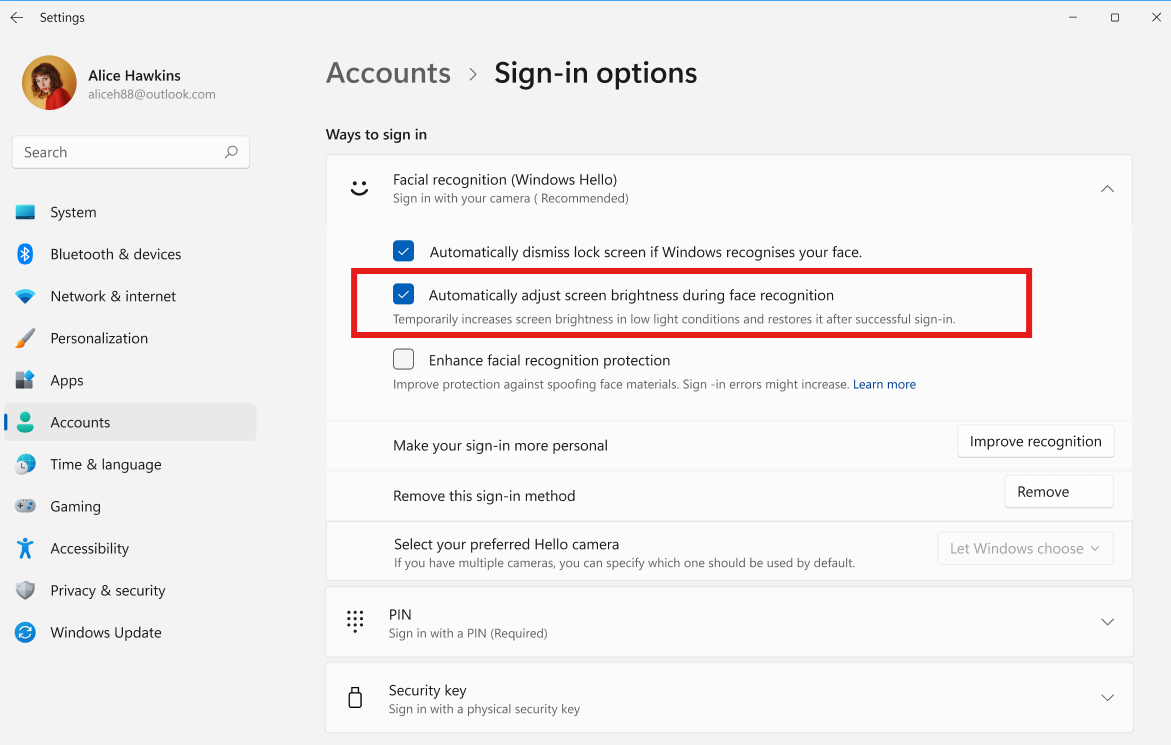
Microsoft has introduced an updated Windows Hello login experience in the Windows 11 Build 26340.9882 preview, currently available via the Experimental channel. This update aims to streamline the authentication process by making PIN entry more accessible during facial recognition attempts.
Previously, the PIN input field was hidden within the login options menu, requiring users to wait for facial recognition to fail or manually switch methods. The new interface displays the PIN input field simultaneously with the camera scan, prompting users to either look at the camera or enter their PIN code.
Testing on a Lenovo laptop equipped with an infrared camera confirmed that the new interface appears without requiring registry modifications or third-party tools. If facial recognition fails, the system now provides a more direct retry option.
For devices featuring both fingerprint readers and infrared cameras, the updated login screen can display multiple authentication methods in a single interface. This change eliminates the need for users to manually toggle between different login options.