Microsoft has shifted its office AI strategy by integrating full Word, Excel, and PowerPoint capabilities directly into the new Copilot application. Users can now create, edit, and collaborate on documents without needing to switch to standalone Office apps.
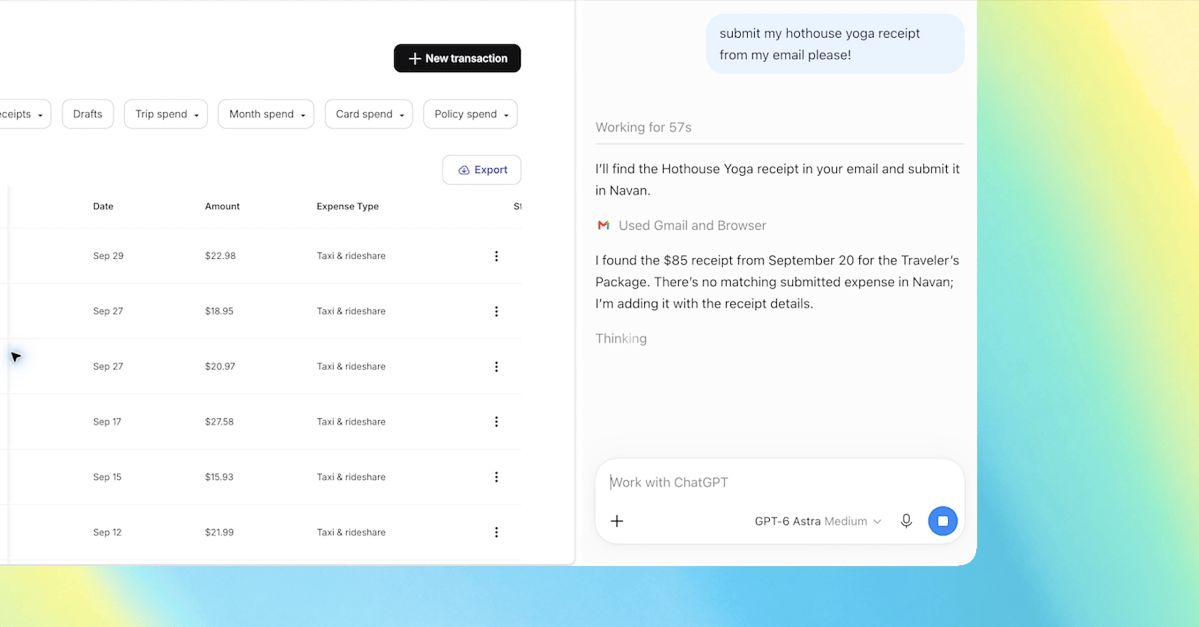
The updated Copilot app allows users to initiate tasks via simple prompts in Copilot Chat or more complex workflows through Copilot Cowork. For instance, users can generate a Word document from research notes, with the file opening directly alongside the chat interface.
Beyond initial file creation, the new version supports ongoing document processing. Users can request AI-driven edits, such as rewriting content or adding tables, while also retaining the ability to manually adjust files using standard Office editing controls.
Collaboration features are now built into the app, enabling users to share files, add comments, and co-edit in real time. The platform supports Word, Excel, and PowerPoint, with all changes reflected immediately for all participants.
A new Library section centralizes access to recent Office files, Copilot pages, and AI-generated images. All files remain stored in OneDrive, maintaining original formatting, comments, permissions, and version history.
Users can manually select specific AI models for Office tasks or enable an Auto mode. In this mode, Copilot automatically chooses the most appropriate model based on the complexity and nature of the user's request.