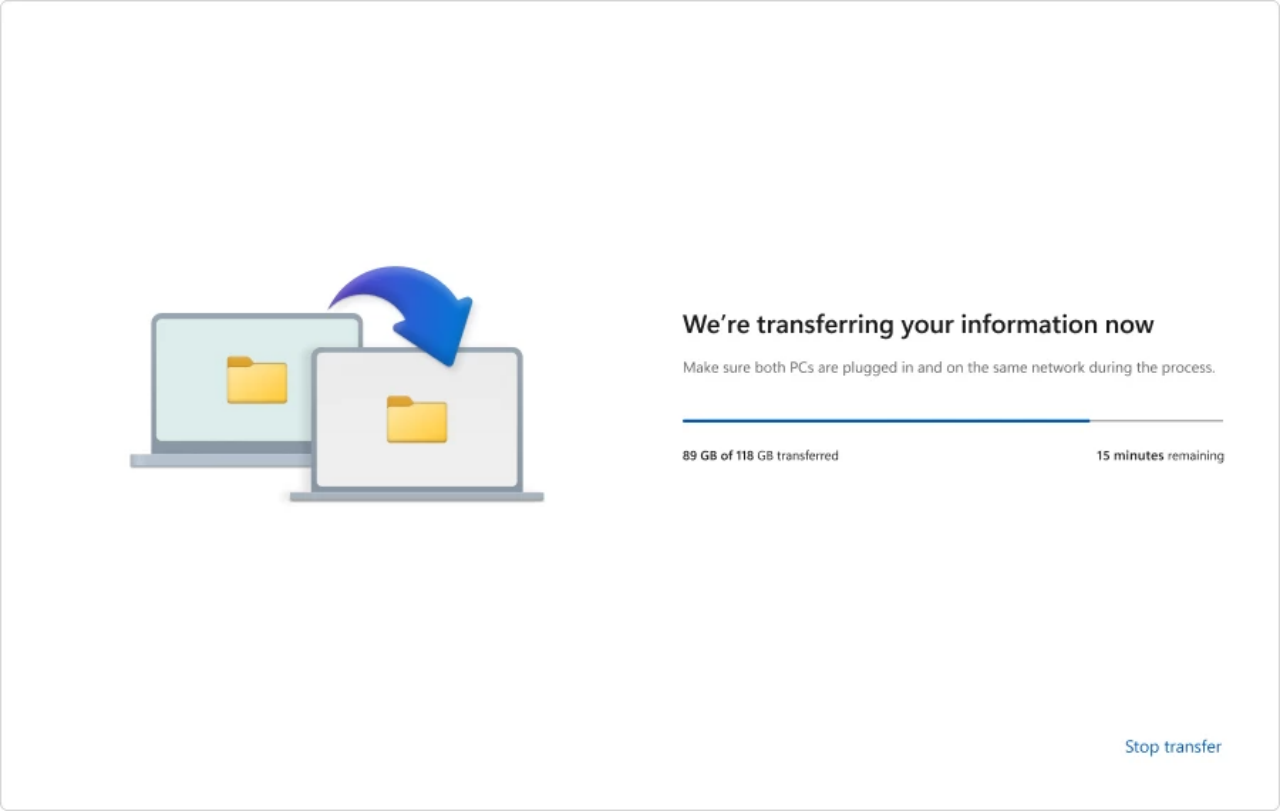
Microsoft has officially discontinued the PC-to-PC migration feature for Windows 11 after one year of testing in preview builds. The tool, integrated into the Windows Backup application, was intended to transfer data between computers but failed to reach the stable release stage.
The migration tool proved limited as it could not transfer installed applications, OneDrive files, saved passwords, or login credentials. It only supported personal files, specific settings, and some personalization options, failing to move registry entries or software configurations required for a full system migration.
Following the removal, Microsoft recommends that users rely on the standard Windows Backup and Restore feature. This process involves backing up specific folders, system settings, and account information to a Microsoft account for subsequent recovery on a new device.
Users also have the option to utilize OneDrive to sync desktop, documents, and image folders. However, both the Windows Backup and OneDrive methods rely on cloud storage, which requires an active Microsoft 365 subscription to ensure sufficient capacity for data transfers.