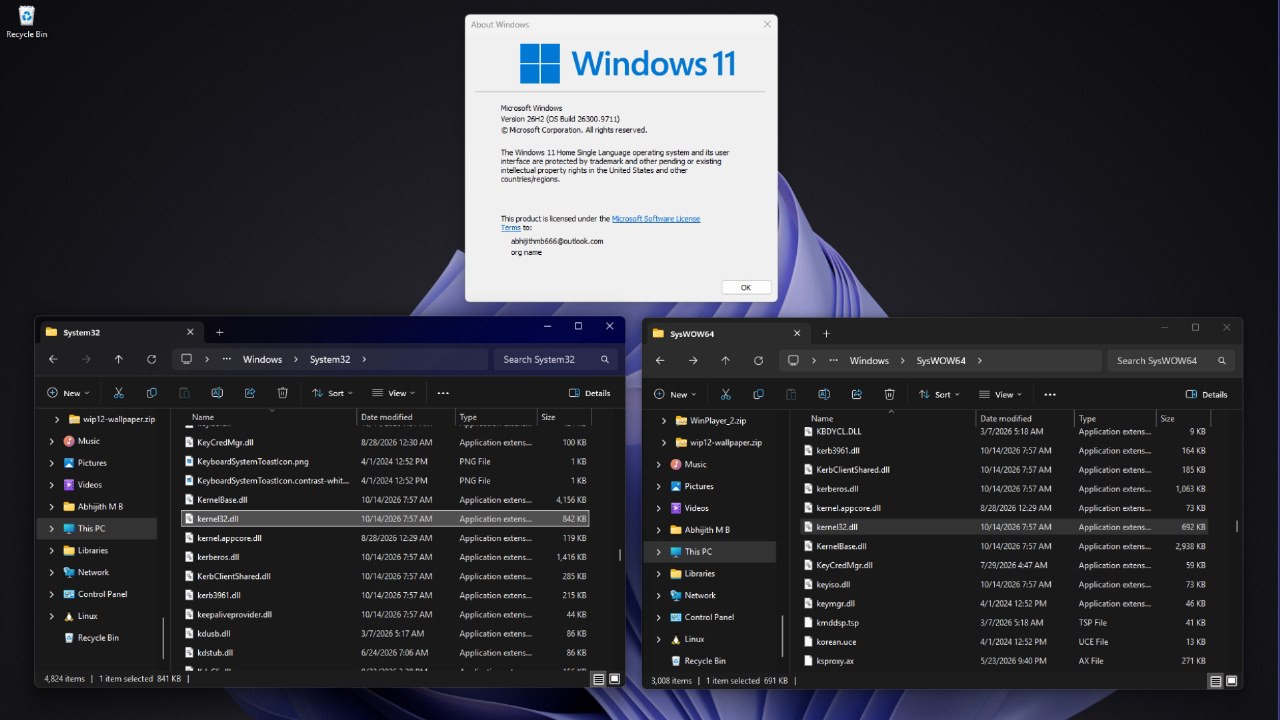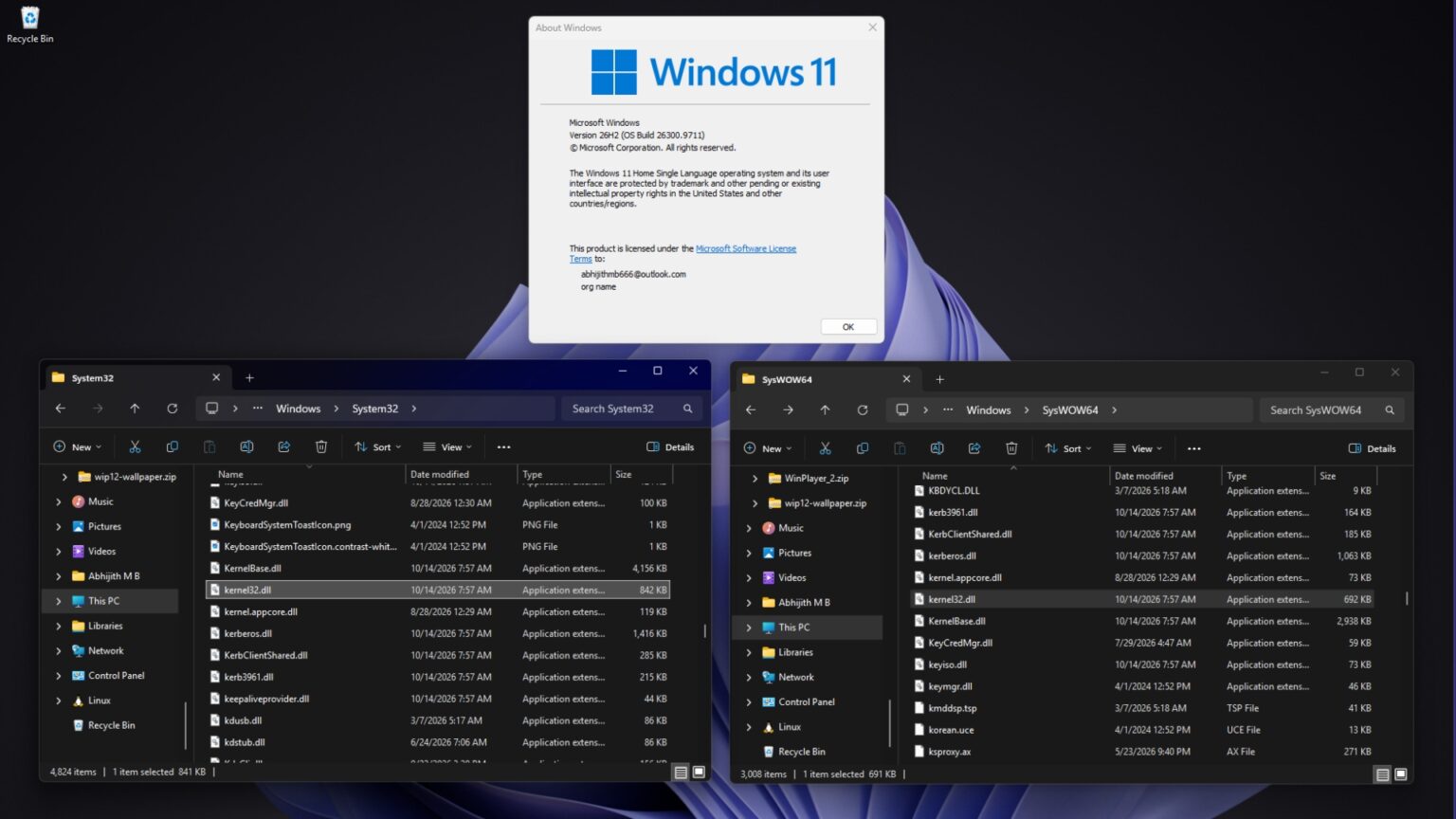
Microsoft has clarified the naming convention for system folders in Windows 11, addressing why the System32 directory contains 64-bit files while the SysWOW64 folder stores 32-bit files. This structure stems from historical compatibility requirements dating back to the transition from 16-bit to 32-bit Windows systems.
During the 16-bit era, system files were stored in the System folder. When 32-bit Windows was introduced, Microsoft created the System32 directory to house 32-bit files. As 64-bit Windows became standard, many legacy applications, scripts, and installers had the System32 path hardcoded. Changing this path would have caused numerous older programs to fail due to incorrect DLL loading.
To maintain compatibility, Microsoft decided that System32 would always store files matching the current operating system architecture, which is 64-bit in modern Windows 11. Consequently, the company implemented the WOW64 compatibility layer and a file system redirector to support 32-bit applications.
When a 32-bit application attempts to access System32, the system automatically redirects the request to the SysWOW64 folder. The name SysWOW64 refers to the 64-bit Windows environment, while WOW64 stands for Windows 32-bit on Windows 64-bit. This mechanism also applies to registry views like Wow6432Node and the Program Files (x86) directory.