Microsoft has clarified that the standard shutdown process in Windows 11 does not fully terminate the system kernel session when the Fast Startup feature is enabled. This mechanism, introduced in Windows 8, is designed to speed up boot times by saving the kernel state and loaded drivers to a hibernation file.
When a user selects shutdown, the system closes applications and logs out the user, but writes the kernel session snapshot to the hiberfil.sys file. Upon restarting, the system restores this snapshot instead of reinitializing the kernel and drivers from scratch. This process significantly reduces boot time, particularly on mechanical hard drives.
In contrast, a system restart performs a complete shutdown of the kernel session without saving a snapshot. This forces the system to reinitialize the kernel and reload all drivers during the next boot, which typically requires more time than a standard shutdown followed by a power-on.
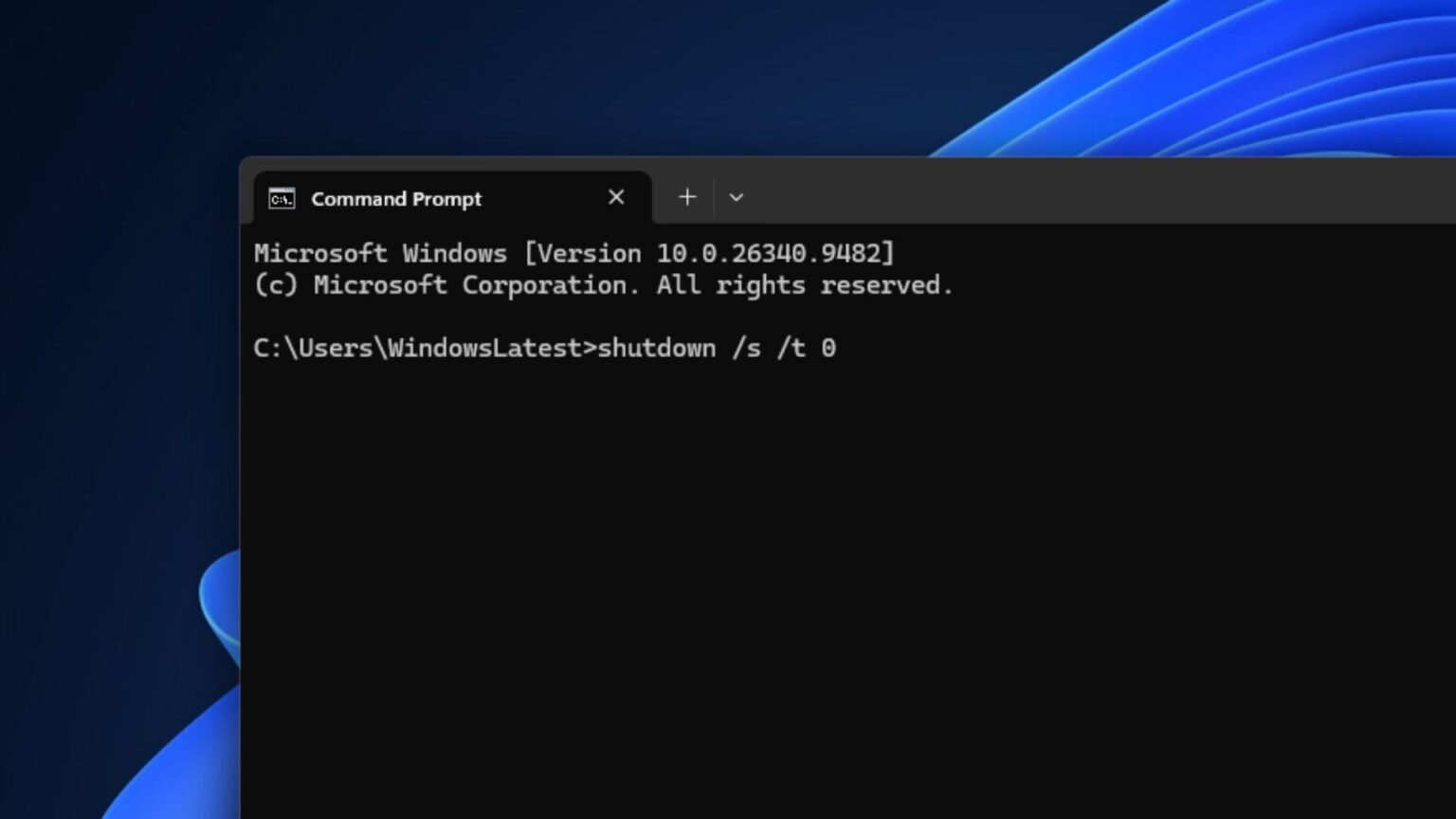
Users who need to perform a full, forced shutdown that bypasses the Fast Startup mechanism can utilize the command prompt. By executing specific shutdown commands with parameters, such as /s or /hybrid, users can manage how the system terminates its session and handles the power-off process.