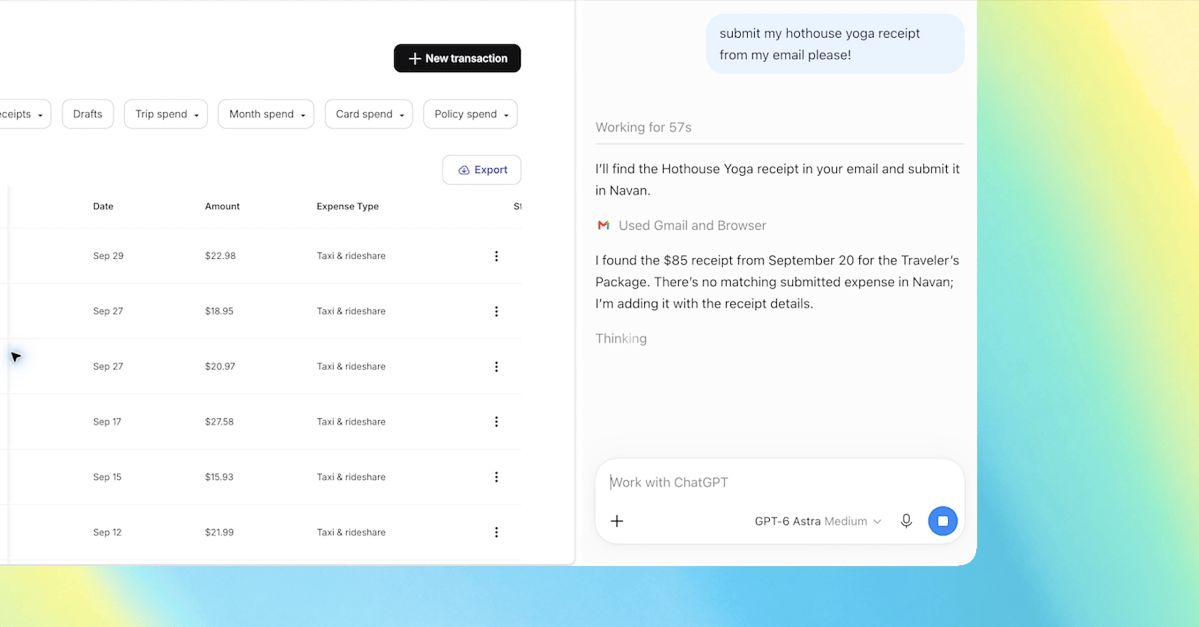
Grok Bot now integrates with Microsoft accounts, enabling it to read, write, and execute actions across Outlook, Calendar, and OneDrive. The AI assistant can search and read emails, draft and send messages, reply to all, forward emails, and organize them into folders. It requires Mail.ReadWrite and Mail.Send permissions, along with offline_access to avoid repeated logins.
For calendar management, the bot can check events by date, identify free time slots for multiple people, create and modify meetings with participants and recurrence rules, and handle responses such as accepting or declining invitations. In OneDrive, it can browse folders, read documents, and upload content generated by Grok.
The service is currently available only for Grok Business and Enterprise users, excluding personal accounts. Unlike standard chat interfaces, Grok Bot operates on a persistent cloud computer with its own browser, file system, and terminal, allowing it to run tasks 24/7 even after the user closes their laptop.
This integration follows the recent listing of Grok 4.6 on Microsoft Foundry, where it is hosted and sold via Azure. The system uses Microsoft's standard OAuth authorization process, meaning users must manually grant permission for the bot to access their data.
The bot is designed to act as an autonomous AI employee. For example, it can process an entire night's worth of emails and prepare drafts for the user to approve in the morning, or perform lead generation by researching prospects and drafting outreach sequences across various platforms.