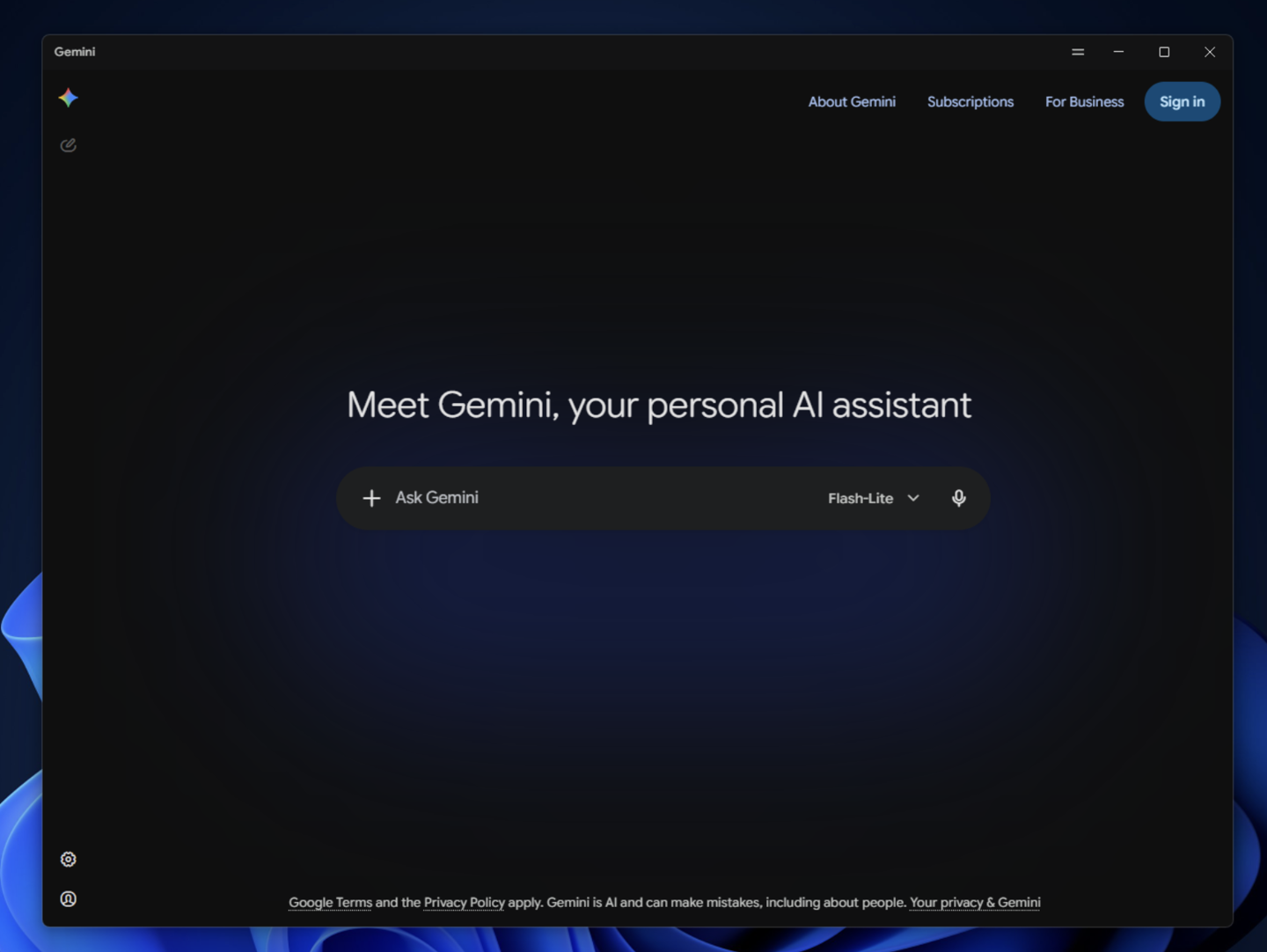
Google has officially released a standalone Gemini client for Windows 10 and 11. Users can launch the interface from any screen using the Alt + Space shortcut, which is fully customizable within the application settings.
The desktop interface mirrors the web version, featuring a central input field for prompts, a model selector, and a microphone button. A sidebar provides access to conversation history and account management tools, while the app supports image and video generation.
The client includes a dedicated settings menu for managing permissions such as microphone, camera, and location access. Users can also review usage statistics, submit crash reports, and configure the application to launch automatically upon system startup.
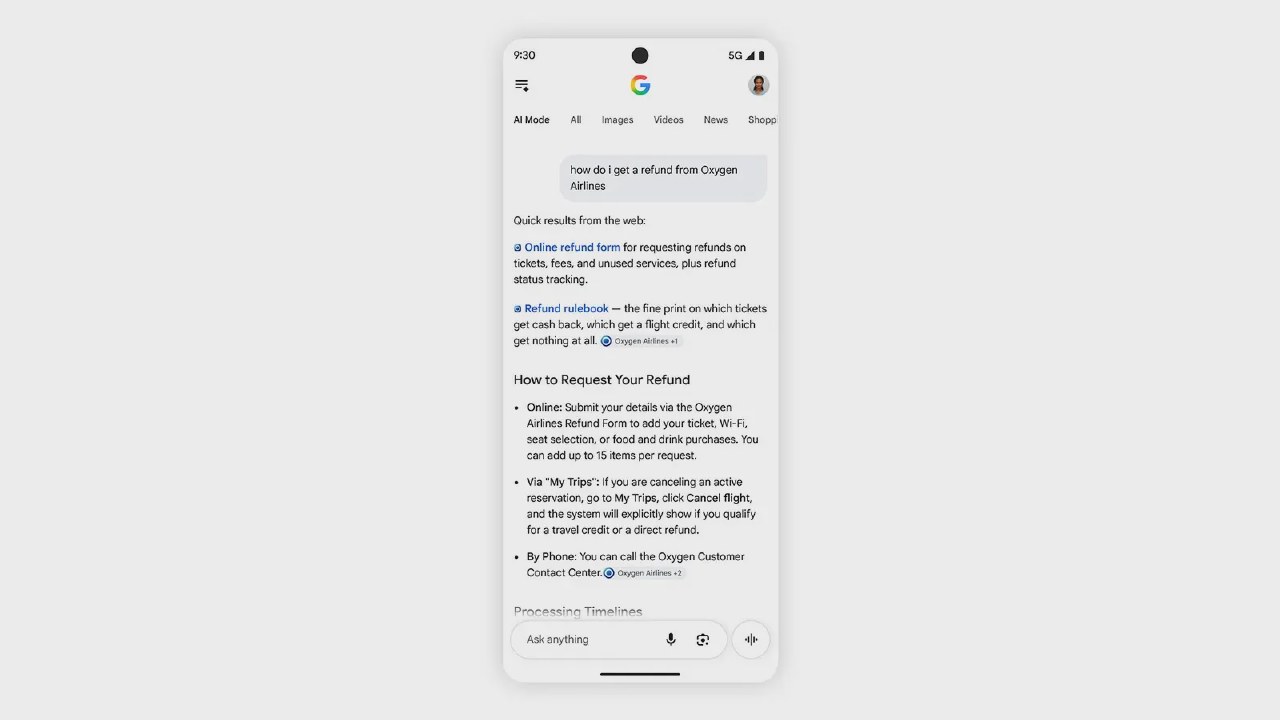
Previously, in April, Google introduced a separate desktop search application for Windows. Unlike the new Gemini client, that tool focuses on searching local files, installed apps, Google Drive content, and the web, while offering AI Mode and screen sharing.