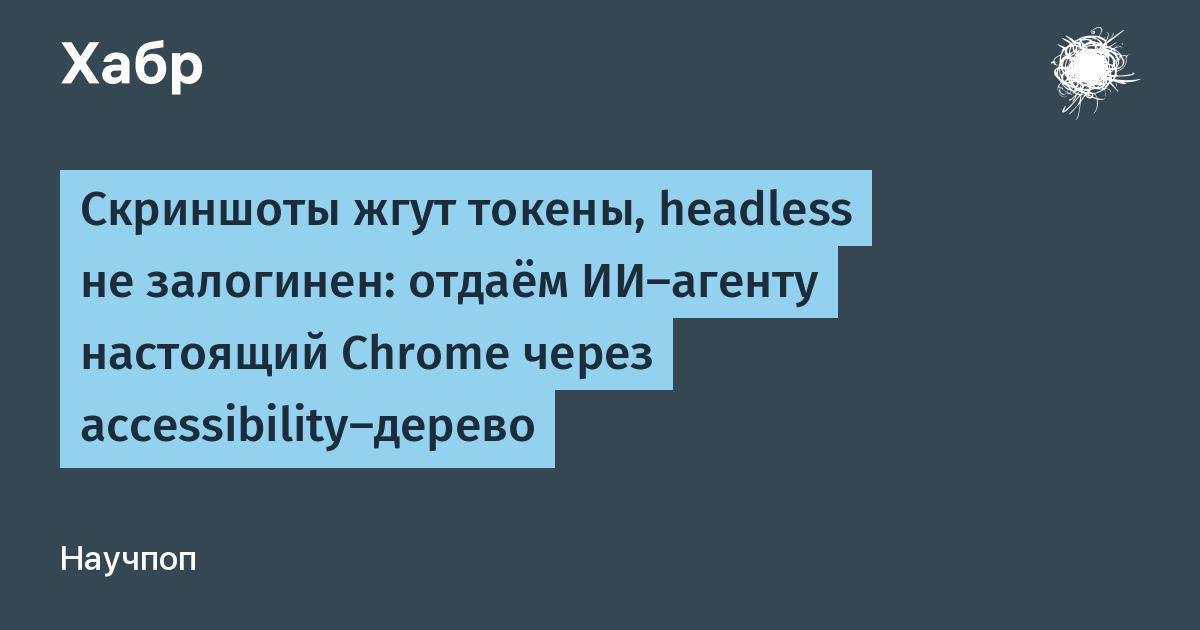
The chrome-bridge project provides a connection between a local terminal and a user's existing Chrome browser. It consists of a browser extension and a Node.js CLI tool that requires no external dependencies. The tool allows AI agents to interact with active browser sessions, including logged-in accounts and open tabs, without needing cloud-based authentication.
The architecture utilizes a WebSocket connection between the extension and a local Node server. The system represents web pages as accessibility trees rather than screenshots. A test showed that an accessibility tree for a page takes 2.4 KB, while a 1000px wide screenshot takes 16 KB. This approach allows agents to click on specific elements using IDs instead of guessing coordinates.
The CLI supports various AI agents, including Claude Code, Cursor, Codex, GLM, Kimi, Qwen, and DeepSeek. It includes a --trusted mode that uses DevTools Input to trigger events with the isTrusted flag set to true. The system provides feedback on actions with status reports such as succeeded, needs_human, blocked, or uncertain.
The server maintains a circular log of commands, which can be exported as a replayable script. Sensitive data like text inputs are excluded from these logs. The tool is open-source under the MIT license and is available on GitHub and the Chrome Web Store. It is designed for local use and does not include stealth features to bypass anti-bot systems.