
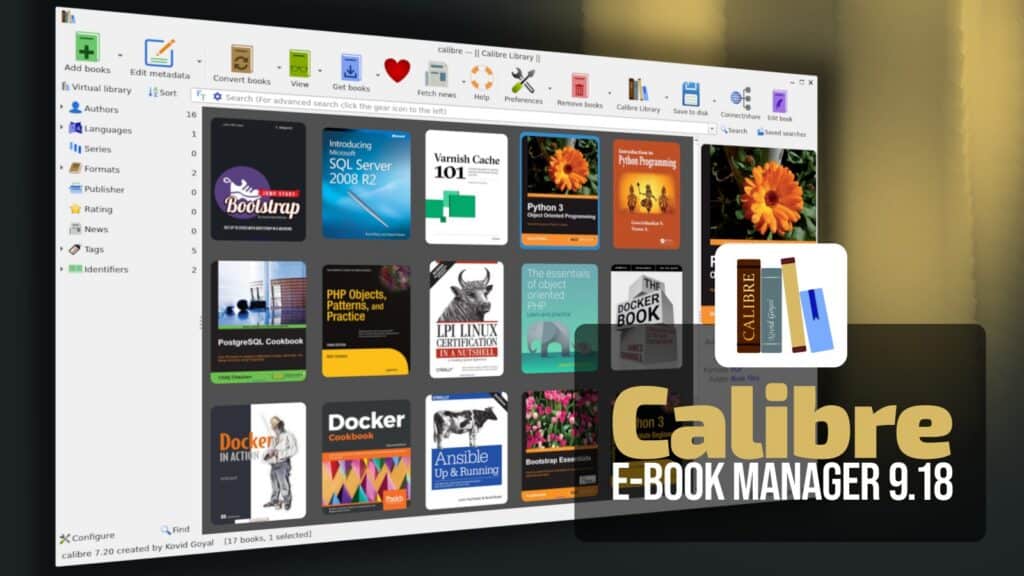
The new Calibre 9.18 release introduces accessibility tools for the ebook editor. Users can now define language settings for entire books and individual HTML files, edit alternative text for images, and manage EPUB accessibility metadata.
A key addition is the synchronization of reading progress with KOReader. The content server now functions as a sync server, allowing users to track their reading position across different copies and formats of the same book.
The content server also gains support for OPDS 2.0 feeds. This includes streaming for CBZ comics, adherence to comic reading direction, and full-text indexing for book searches. Web interface accessibility is improved for keyboard and screen reader users.
The calibredb command-line tool has been expanded to manage notes, annotations, data files, virtual libraries, and the trash bin. Users can now rename or delete tags and series items directly through the interface.
Additional updates include new date search expressions and improved language information in HTML files during EPUB output. The Get Books feature now includes Standard Ebooks, DOAB, and DOAJ sources, alongside a new verification tool for exported library data.