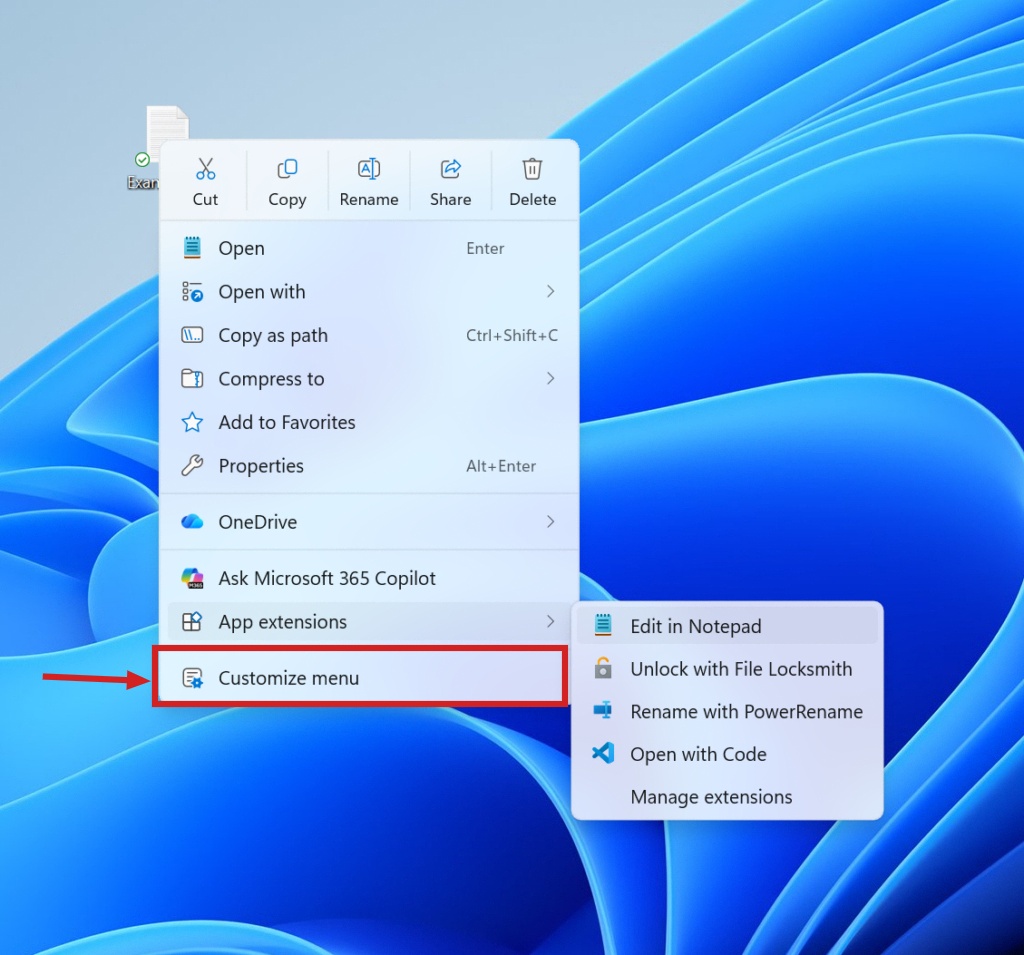
Users of the Windows 11 Release Preview channel can now enable a new context menu on build versions 26200.9807 and 26300.9807. Microsoft is currently rolling out this feature to select testers in stages.
Those who have not yet received the update can manually activate the menu using the third-party tool ViveTool. The process requires downloading the utility from GitHub and executing specific commands via the Command Prompt with administrator privileges.
To enable the feature, users must navigate to the folder where ViveTool is extracted and run the command: .\ViVeTool.exe /enable /id:49453572,60813048. This method allows users to bypass the phased rollout.