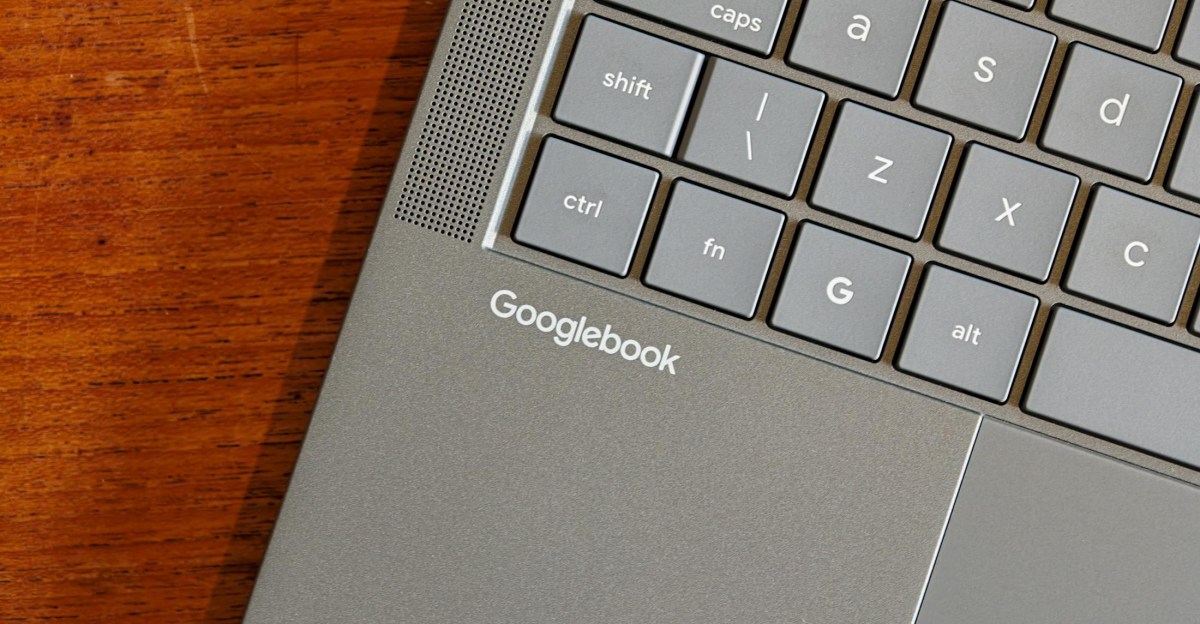
Googlebooks, a new line of Android-powered laptops from manufacturers like Asus and HP, rely on Android for core functionality including app installation, biometric logins, and phone synchronization. The setup process allows users to import apps and backups from their smartphones, though the experience varies between different hardware models.
Connectivity between Googlebooks and Android phones remains inconsistent. Features like file sharing and app casting require both devices to be on the same Wi-Fi network with Bluetooth enabled. Users report that maintaining a stable connection often requires multiple restarts and manual toggling of cross-device settings, with some devices failing to recognize specific phone models.
The software experience is hampered by limited app optimization. While some applications allow for offline content downloads, many mobile versions lack desktop-grade features, mouse support, or proper window management. Furthermore, certain apps, such as Bluesky and Okta, are currently unavailable for installation on these laptops, regardless of whether the hardware uses Intel or Arm processors.
App casting allows users to run specific mobile applications on the laptop via a taskbar drawer or synced notifications. While useful for quick tasks, it does not support multi-tasking or file system access. Other integrated features like 'Continue On' for task handoff and notification management are described as inconsistent or prone to errors.
File management functionality is currently problematic, with the file explorer failing to load or transfer data efficiently. While Quick Share serves as a functional alternative for file transfers, the overall integration between the laptop OS and mobile devices remains unreliable, leading to significant usability challenges for daily workflows.