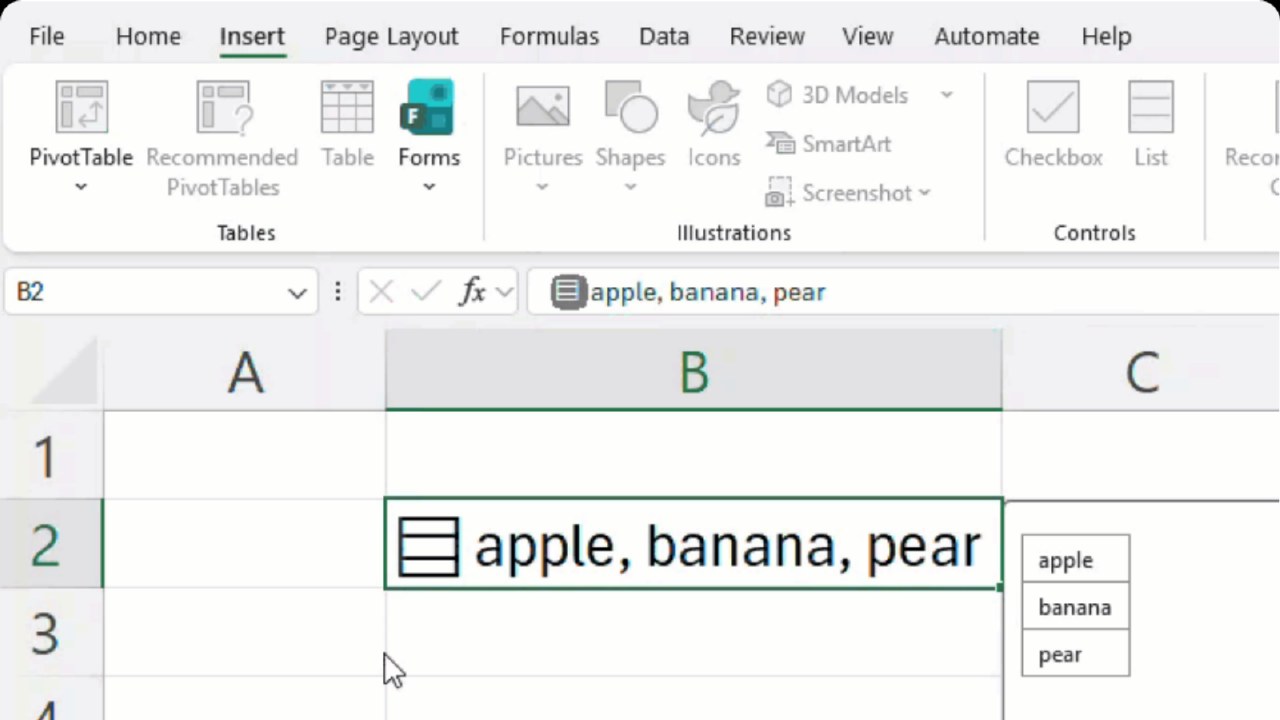
Microsoft is currently testing new data handling features for Excel that allow cells to store multiple structured values. The update introduces support for lists, cell arrays, and nested arrays, which are now available to Microsoft 365 Beta users before a wider rollout.
The new list feature treats multiple items within a single cell as independent data points. Users can create lists using shortcuts or menus, separating values with commas or semicolons. Excel now recognizes these individual items, enabling filtering and selection of specific elements rather than treating the entire cell content as a single string.
The Arrays in Cells feature changes how formula results are stored. Instead of spilling results into adjacent cells, users can now keep entire arrays within a single cell. This allows for more compact tables, as users can store varying amounts of data, such as split times for individual race entries, without needing extra columns.
Nested arrays allow for hierarchical data structures where an array can contain other arrays. This update ensures that formulas can maintain the full structure of the data, preventing errors and allowing complex calculations to proceed while keeping the data organized within a single cell.