

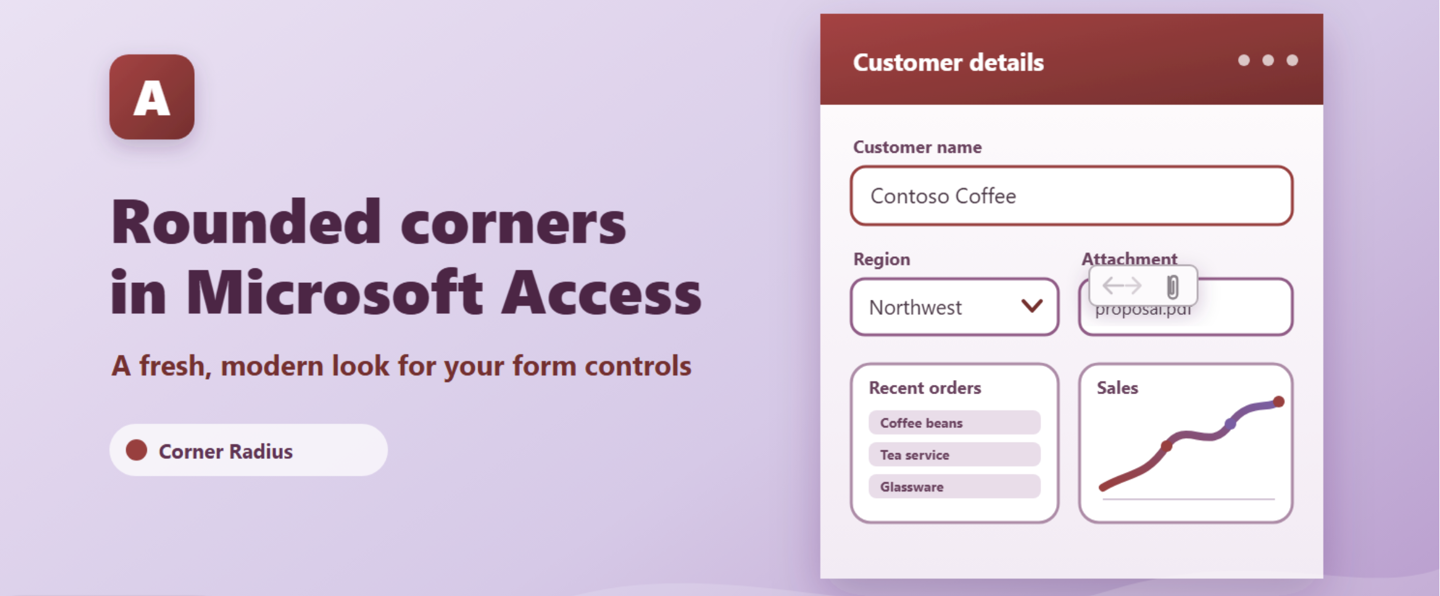
Microsoft has introduced a new Corner Radius property for various form controls in its Microsoft 365 database software, Access. This update allows users to customize the appearance of interface elements by adjusting the curvature of their corners.
The feature currently supports 10 types of elements, including text boxes, combo boxes, list boxes, option groups, rectangles, labels, image controls, modern charts, attachment controls, and subform controls. Command and toggle buttons will receive this functionality in future updates to ensure design consistency.
Users can configure the radius by entering an integer of 0 or greater in the property sheet. A value of 0 maintains the original square edges, while values of 4 or 6 provide subtle rounding, and values of 8, 12, or 16 result in more pronounced effects. To enable the feature, the Special Effect property must be set to Flat.
The update supports VBA integration and maintains backward compatibility, as the default value remains 0. Access users in the Beta channel need version 2612 (build 16.0.20715.20004), while those in the Current Channel (Preview) require version 2611 (build 16.0.20625.20102) to access these settings.