
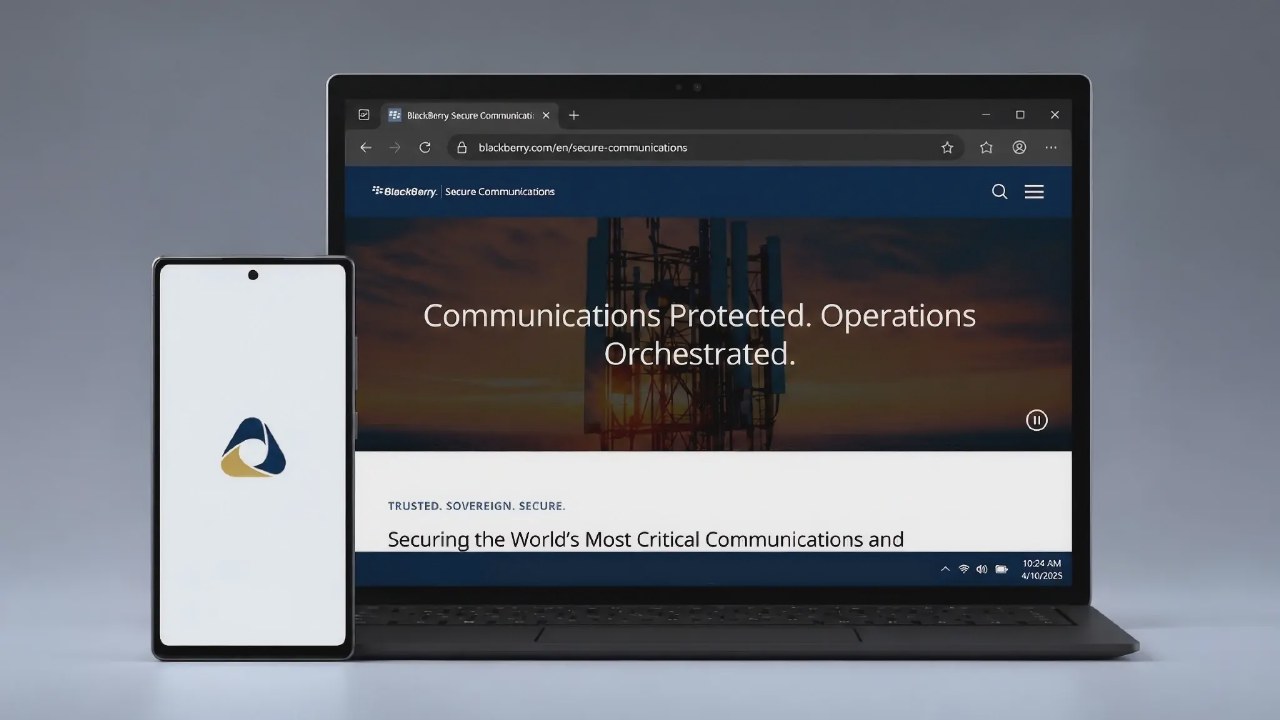
BlackBerry has launched the BlackBerry Access Secure Browser for Windows, designed to enable secure work on personal computers without requiring full device management. Built on Chromium, this browser replaces the previous desktop client and integrates with the existing BlackBerry Access product line, which is already available on iOS and Android.
The browser focuses on the bring-your-own-device (BYOD) model, restricting corporate control to the browser environment rather than the entire machine. It primarily utilizes progressive web apps, including Outlook, Teams, and OneDrive. Teams integration supports native Windows notifications, and the browser provides access to internal web applications through BlackBerry's infrastructure, reducing reliance on traditional VPNs.
Data security features include a protected storage space that prevents corporate files from being downloaded to personal directories. The browser also includes built-in LibreOffice components, allowing users to edit documents offline. These features are designed to support remote work in environments with poor connectivity.
As part of the BlackBerry Dynamics suite, the browser operates within an encrypted container and uses BlackBerry UEM deployment. This allows organizations to keep management policies and identity information within their own local environments or specific legal jurisdictions. The solution is also compatible with physically isolated networks to meet high-security requirements.