Huawei has introduced a new notification overlay feature for its Mate 90 smartphone series. This tool allows users to view incoming messages from apps like WeChat, QQ, DingTalk, and SMS directly over the game interface without needing to switch screens.
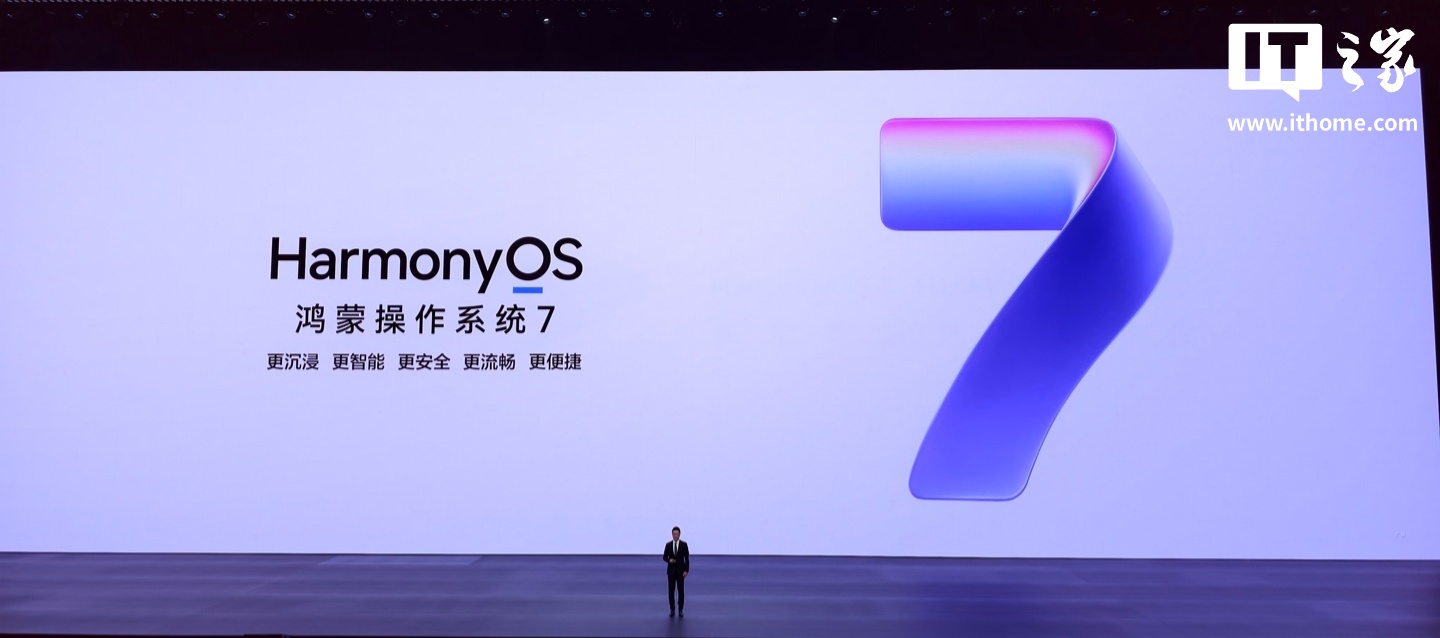
To access the functionality, users must ensure their devices are running HarmonyOS version 7.0.0.109 or higher. Additionally, the Game Assistant application must be updated to version 16.4.1.300 or later to support the new overlay capabilities.
Within the Game Assistant settings, players can customize the speed and size of the scrolling text notifications. The system also enables users to manage which specific applications are permitted to display alerts during gameplay sessions.
The Game Assistant tool serves as a built-in utility for Huawei devices. Beyond notifications, it provides quick access to performance modes, screen recording, screenshot tools, brightness locks, and do-not-disturb settings to enhance the gaming experience.