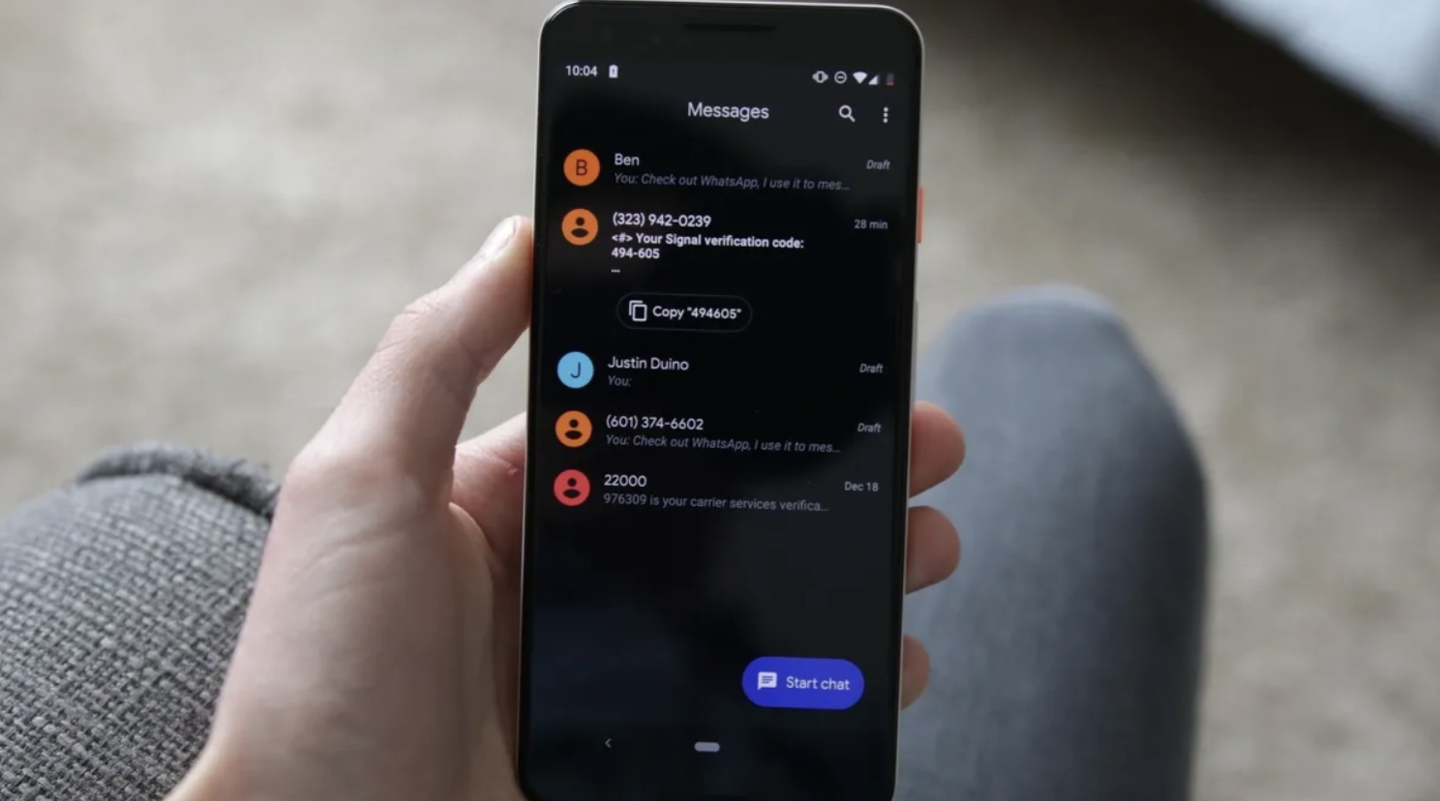
Google is updating its Messages application, introducing new gesture controls and a redesigned long-press menu. These features were identified in version 20260910_03_RC02 by 9to5Google and are being rolled out via server-side updates, meaning availability will vary across devices.
The updated long-press menu now displays a floating interface next to the selected message bubble instead of using the top toolbar. Users can access options like reply, forward, copy, star, delete, and info. For image messages, the menu adds save and remix functions, while the chat background blurs when the menu is active.
Text selection has been improved to allow copying specific parts of a message, such as phone numbers or addresses, rather than the entire block. This long-press functionality now extends to images, videos, links, files, locations, and contact cards.
New swipe gestures have also been implemented. Swiping left on a chat reveals message timestamps and RCS encryption status, while swiping right on a specific message bubble triggers a reply action. Tapping a message still displays read receipts and briefly shows the timestamp to guide users through the new interface.