
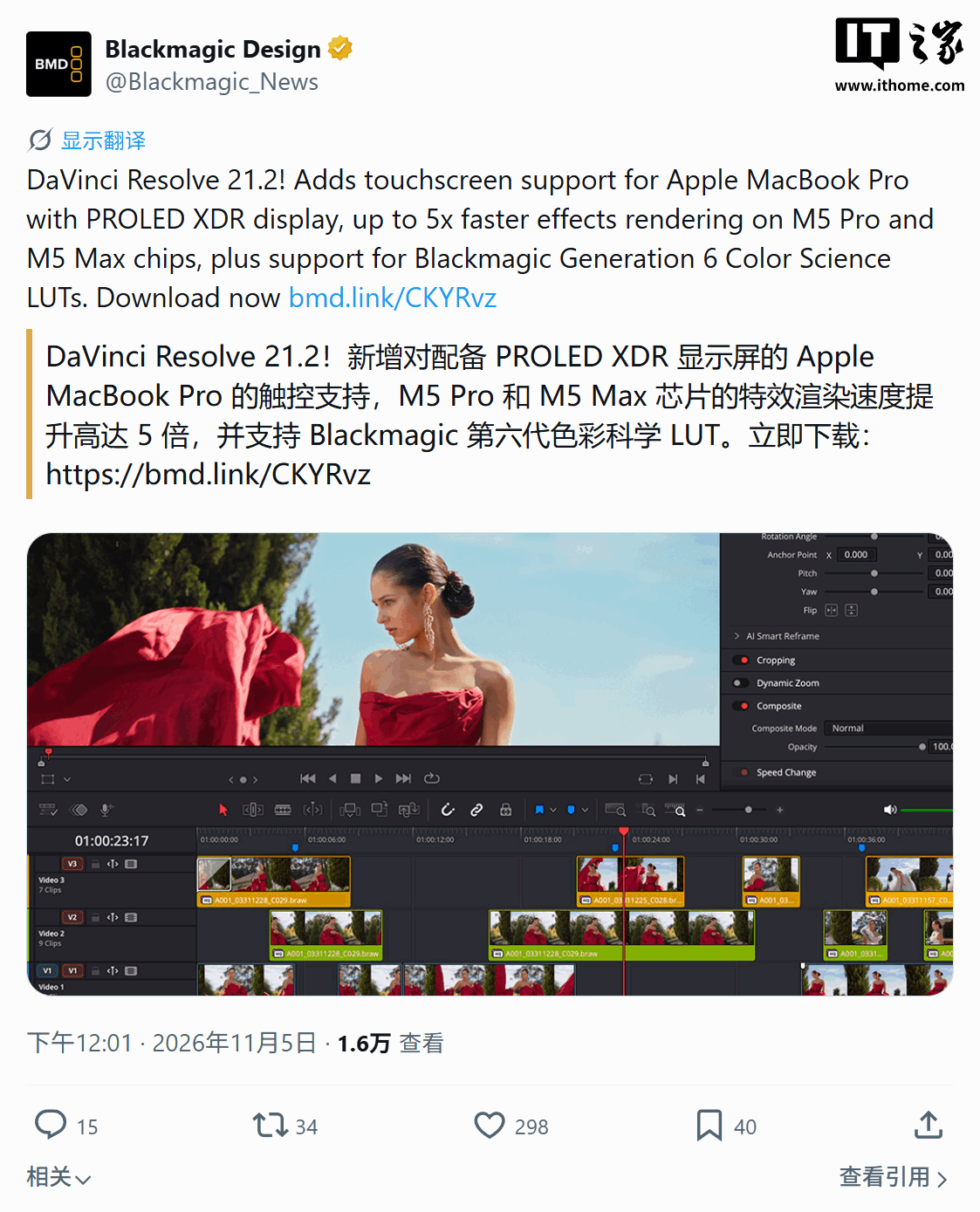
Blackmagic Design has released DaVinci Resolve 21.2 and its paid version, DaVinci Resolve Studio 21.2. The update introduces native touch support for the first MacBook Pro models equipped with ProLED XDR displays. Users can now scroll through timelines, drag and drop assets, add effects, and manipulate viewer zoom using touch gestures.
The update delivers significant performance gains for hardware running M5 Pro and M5 Max chips, with effect rendering speeds increasing by up to 5 times. These optimizations aim to reduce export and preview times for teams working with high-resolution footage and complex color grading nodes.
New features include support for Blackmagic Generation 6 Color Science LUTs and film styles. ResolveFX False Color is now compatible with both Gen 5 and Gen 6 color science. Additionally, the software improves multi-camera editing workflows, allowing clips to be opened as source clips in the source timeline, and preserves source timecode for extracted audio.
The Studio version expands AI assistant capabilities, specifically for color grading and Fusion tasks, alongside script API improvements. The AI assistant now handles frame and thumbnail-related operations to reduce repetitive tasks. The update also includes over 25 stability and performance fixes for audio, AAF, OGraf, H.265, and XDCAM media formats.
DaVinci Resolve 21.2 is available for free download via the Blackmagic Design support center. The DaVinci Resolve Studio version remains available through a one-time purchase license, priced at $239.99.