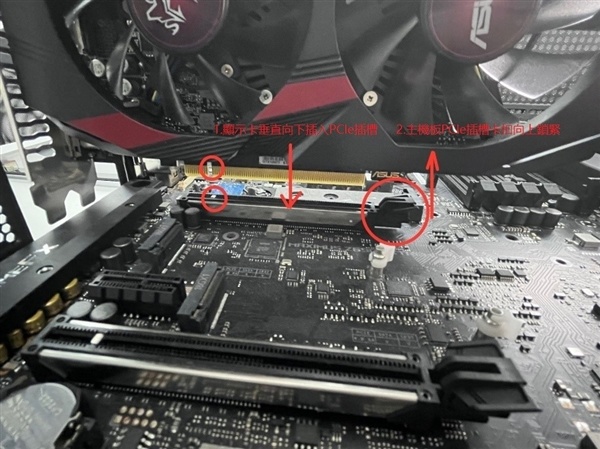
ASUS China has updated its official graphics card installation guide, detailing strict procedures to prevent hardware damage. The company mandates that users must disconnect the power supply and remove the power cable from the wall outlet before installing or removing any card. Dell has issued similar guidelines for its Alienware systems, emphasizing the use of ESD protection during the process.
The guide outlines a specific installation sequence: remove the case slot cover, align the card with the PCIe slot, and press down until an audible click confirms the latch is locked. Users must then secure the card with screws. For power connections, ASUS requires that each independent power port on the card be connected to a separate power source, prohibiting the use of a single cable for multiple ports.
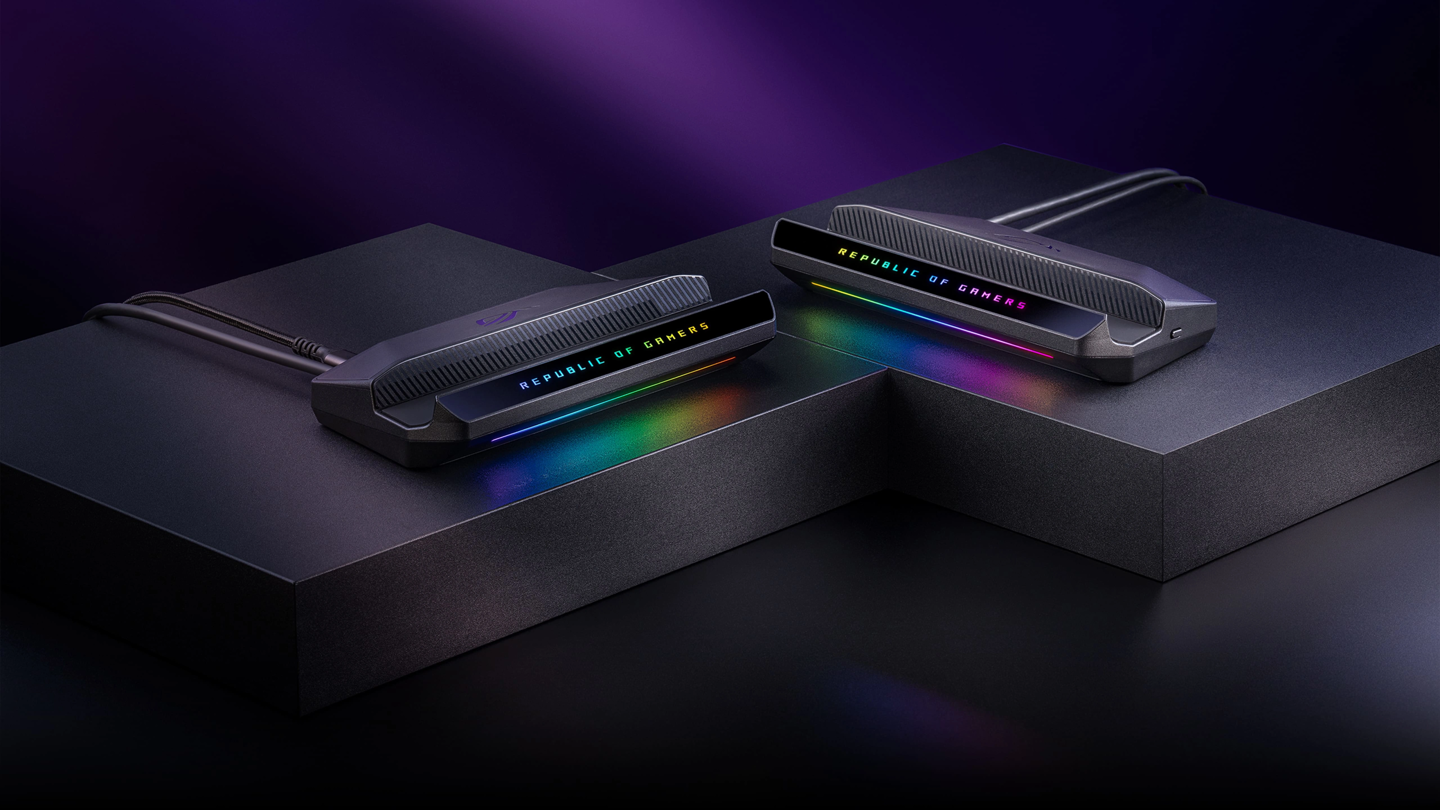
The documentation details six power connector specifications, including five configurations for 16-pin connectors ranging from direct connections to four 8-pin adapter setups. ASUS also provides specific instructions for removal, which involves unplugging cables, removing screws, and pressing the PCIe latch gently to avoid damage. For heavy cards, the company recommends using a support bracket, such as the ROG Herc.
If a system fails to display video or shows errors, ASUS advises users to disconnect the power, reseat the graphics card, and reconnect all PCIe power cables. These steps serve as a primary troubleshooting measure to ensure proper contact and power delivery across all interfaces.